 Develofly Autopilot
What it does
For each site in your list: when its HTTPS certificate expires (and whether browsers accept it), and when the domain registration expires (from public registration data, RDAP). Warns you before either runs out (default 21 days). Some country domains don't publish expiry dates.
How it works
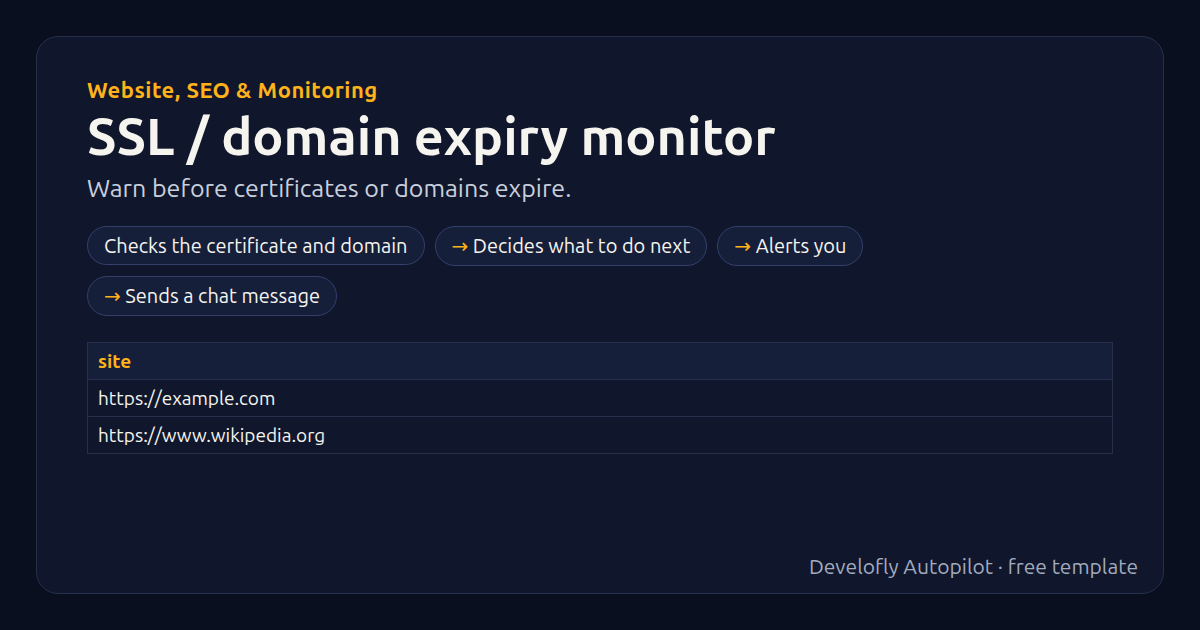
- Checks the certificate and domain
- Decides what to do next
- Alerts you
- Sends a chat message
All 23 steps (as they appear in the app)
- Check ssl certificate of {{site}}
- certificate = OK
- If ssl_days_left less {{warn_days}}
- certificate = EXPIRES IN {{ssl_days_left}} DAYS
- If ssl_valid equals no
- certificate = INVALID: {{ssl_problem}}
- domain =
- If check_domain equals yes
- Check domain expiry of {{site}}
- domain = OK
- If domain_problem not empty
- domain = unknown: {{domain_problem}}
- If domain_days_left not empty
- If domain_days_left less {{warn_days}}
- domain = EXPIRES IN {{domain_days_left}} DAYS
- If certificate matches ^(EXPIRES|INVALID)
- Notify: Certificate problem: {{site}}
- If alert_slack equals yes
- Slack: Certificate problem: {{site}} {{certificate}} (exp
- If domain matches ^EXPIRES
- Notify: Domain renewal due: {{site}}
- If alert_slack equals yes
- Slack: Domain renewal due: {{site}} {{domain}} (expires {
Sample data included
The template comes with sample rows like these, so you can see it work before using your own list.
| site |
|---|
| https://example.com |
| https://www.wikipedia.org |
Get this template
1. Download Develofly Autopilot: free, for Ubuntu and other Linux desktops.
Download Develofly Autopilot2. The app comes with every template, so this one is already in your library. Click below to open it (or find it under Templates).
Open in AutopilotWhat you need
- A spreadsheet (CSV or Excel) — a sample is included
You fill in: Warn this many days before, Also check domain registration, Registration-data service (advanced), Also send alerts to Slack.
Make it yours
Every step is editable in the app: change the site, the columns, the schedule, or chain it with other bots. Run it once, on a schedule, or sell it as your own bot.