 Develofly Autopilot
What it does
Logs Google PageSpeed Insights results for your key pages: the performance score (0–100), lab timings (LCP, CLS, TBT, FCP, Speed Index) and, where Google has enough visitors' data, the real-user Core Web Vitals (LCP, INP, CLS). Alerts when a page scores below your limit. Works without a key for light use; add a free Google API key for regular schedules.
How it works
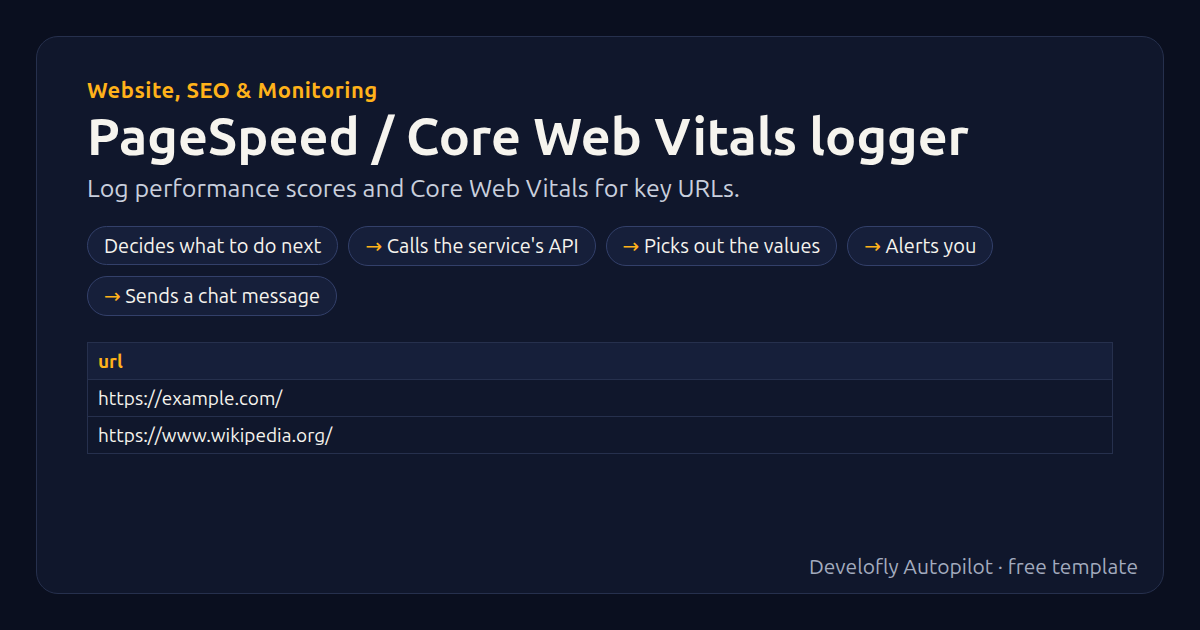
- Decides what to do next
- Calls the service's API
- Picks out the values
- Alerts you
- Sends a chat message
All 20 steps (as they appear in the app)
- _key =
- If api_key not empty
- _key = &key={{api_key:url}}
- GET {{psi_url}}?url={{url:url}}&strategy={{strategy}}&category=performance{{_key}}
- Read values: _score, lcp_ms, cls, tbt_ms, fcp_ms, speed_index_ms, real_users, real_lcp_ms, re
- performance = round({{_score|0}} * 100)
- lcp_ms = round({{lcp_ms|0}})
- tbt_ms = round({{tbt_ms|0}})
- fcp_ms = round({{fcp_ms|0}})
- speed_index_ms = round({{speed_index_ms|0}})
- cls = round({{cls|0}}, 3)
- real_cls =
- If _real_cls not empty
- real_cls = {{_real_cls}} / 100
- strategy_used = {{strategy}}
- checked_at = {{now}}
- If performance less {{alert_below}}
- Notify: Slow page: {{url}}
- If alert_slack equals yes
- Slack: Slow page: {{url}} Performance {{performance}}/100
Sample data included
The template comes with sample rows like these, so you can see it work before using your own list.
| url |
|---|
| https://example.com/ |
| https://www.wikipedia.org/ |
Get this template
1. Download Develofly Autopilot: free, for Ubuntu and other Linux desktops.
Download Develofly Autopilot2. The app comes with every template, so this one is already in your library. Click below to open it (or find it under Templates).
Open in AutopilotWhat you need
- A spreadsheet (CSV or Excel) — a sample is included
You fill in: Device, Alert when the score is below, Google API key (optional), PageSpeed Insights address (advanced), Also send alerts to Slack.
Make it yours
Every step is editable in the app: change the site, the columns, the schedule, or chain it with other bots. Run it once, on a schedule, or sell it as your own bot.