 Develofly Autopilot
What it does
Checks where your domain ranks for each keyword in your list and logs the position, the ranking page and the change since the last check (positive = moved up). It uses a search API with your own key: SerpApi returns Google's results; Brave Search has its own index. (Google's own Custom Search API is closed to new customers.) Schedule it and send results to a Google Sheet to track positions over time.
How it works
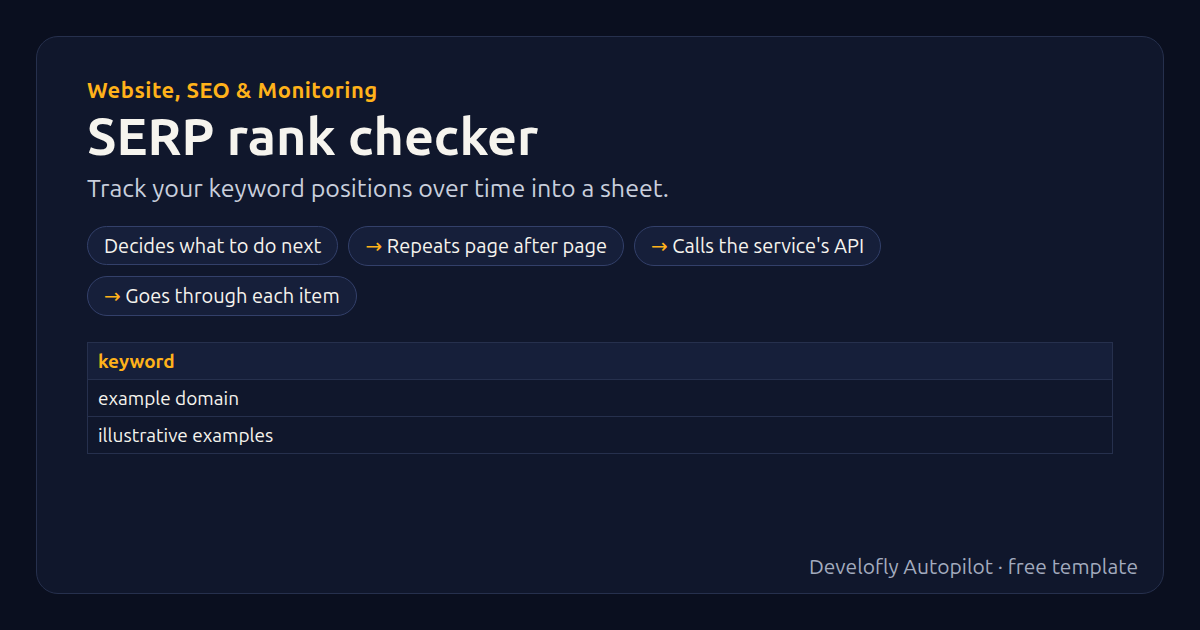
- Decides what to do next
- Repeats page after page
- Calls the service's API
- Goes through each item
All 30 steps (as they appear in the app)
- _depth = {{pages}} * 10
- If provider equals Brave Search API
- _depth = {{pages}} * 20
- rank =
- ranking_url =
- Repeat ×{{pages}} (4 steps)
- If provider equals SerpApi (Google results)
- _start = ({{i}} - 1) * 10
- GET {{serpapi_url}}?engine=google&q={{keyword:url}}&gl={{country}}&hl={{language}}&start={{_start}}&api_key={{api_key}}
- _per_page = 10
- If provider equals Brave Search API
- _start = {{i}} - 1
- GET {{brave_url}}?q={{keyword:url}}&country={{country}}&search_lang={{language}}&count=20&offset={{_start}}
- _per_page = 20
- For each hit in {{_serp}} (2 steps)
- _u = {{hit_link}}{{hit_url}}
- If _u matches ^https?://([^/]+\.)?{{my_domain}}(/|$)
- rank = ({{i}} - 1) * {{_per_page}} + {{hit_index}}
- ranking_url = {{_u}}
- Pause 1.0s
- _shown = {{rank}}
- If rank empty
- _shown = not in top {{_depth}}
- Remember rank {{provider}} {{keyword}} for next run
- change =
- If rank not empty
- If previous_rank not empty
- change = {{previous_rank}} - {{rank}}
- position = {{_shown}}
- checked_at = {{now}}
Sample data included
The template comes with sample rows like these, so you can see it work before using your own list.
| keyword |
|---|
| example domain |
| illustrative examples |
Get this template
1. Download Develofly Autopilot: free, for Ubuntu and other Linux desktops.
Download Develofly Autopilot2. The app comes with every template, so this one is already in your library. Click below to open it (or find it under Templates).
Open in AutopilotWhat you need
- A spreadsheet (CSV or Excel) — a sample is included
- An API key for the service it uses
You fill in: Your domain, Search API, API key, Country code, Language code, Pages to check, SerpApi address (advanced), Brave Search address (advanced).
Make it yours
Every step is editable in the app: change the site, the columns, the schedule, or chain it with other bots. Run it once, on a schedule, or sell it as your own bot.