 Develofly Autopilot
What it does
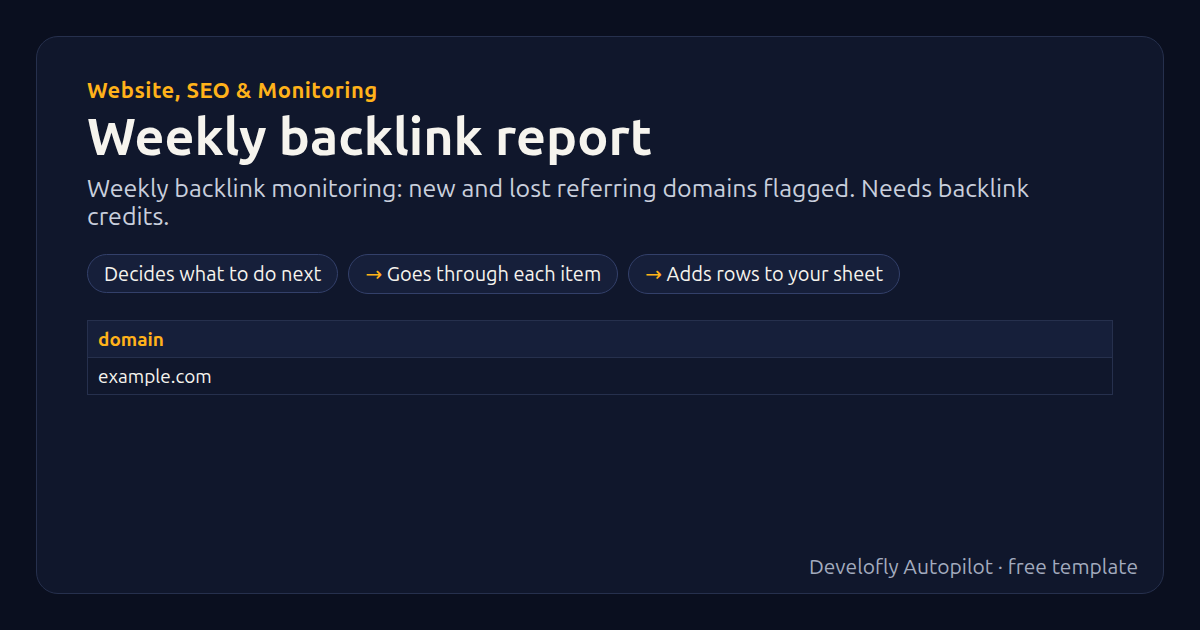
Monitors your backlinks and flags new and lost referring domains. Run weekly; new and lost links are highlighted.
How it works
- Decides what to do next
- Goes through each item
- Adds rows to your sheet
All 5 steps (as they appear in the app)
- Backlinks: new_lost for {{domain}} → backlinks_report
- If “backlinks_report.data.new” not empty
- For each new_link in {{backlinks_report.data.new}} (1 steps)
- Add row: type, referring_domain, strength
- Add row: type, message
Sample data included
The template comes with sample rows like these, so you can see it work before using your own list.
| domain |
|---|
| example.com |
Get this template
1. Download Develofly Autopilot: free, for Ubuntu and Windows.
Download Develofly Autopilot2. The app comes with every template, so this one is already in your library. Click below to open it (or find it under Templates).
Open in AutopilotWhat you need
- Nothing else: just the app.
You fill in: Your domain.
Make it yours
Every step is editable in the app: change the site, the columns, the schedule, or chain it with other bots. Run it once, on a schedule, or sell it as your own bot.
More Website, SEO & Monitoring templates
Backlinks & referring domainsSee who links to any domain. Uses your backlink credits or your own data provider key.Broken-link crawlerCrawl a site and report every broken link (404s) to a sheet.Domain info lookupDomain research: WHOIS, tech detection, and public profiles. No API key needed.SSL / domain expiry monitorWarn before certificates or domains expire.