 Develofly Autopilot
What it does
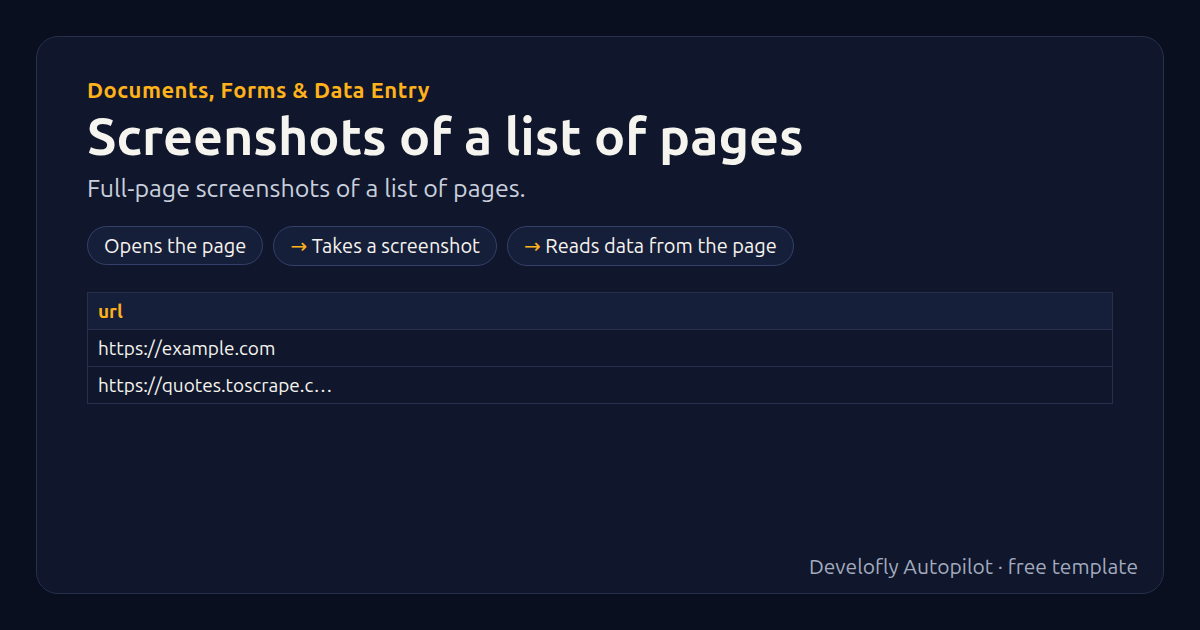
Full-page screenshots of every address in your list (column: url), saved in the run folder.
How it works
- Opens the page
- Takes a screenshot
- Reads data from the page
All 4 steps (as they appear in the app)
- Open {{url}}
- Pause 1.5s
- Screenshot page-{{row}}
- Get text of title → title
Sample data included
The template comes with sample rows like these, so you can see it work before using your own list.
| url |
|---|
| https://example.com |
| https://quotes.toscrape.com |
Get this template
1. Download Develofly Autopilot: free, for Ubuntu and other Linux desktops.
Download Develofly Autopilot2. The app comes with every template, so this one is already in your library. Click below to open it (or find it under Templates).
Open in AutopilotWhat you need
- A browser — the app installs it for you
- A spreadsheet (CSV or Excel) — a sample is included
Make it yours
Every step is editable in the app: change the site, the columns, the schedule, or chain it with other bots. Run it once, on a schedule, or sell it as your own bot.
More Documents, Forms & Data Entry templates
Form filler from a spreadsheetOne form submission per spreadsheet row.App-to-app data migration moverCopy records between two web apps field by field.PDF form fillerFill and save a PDF form from each row of a sheet.Statement / PDF downloaderSign in to several portals and download this month's statements.