 Develofly Autopilot
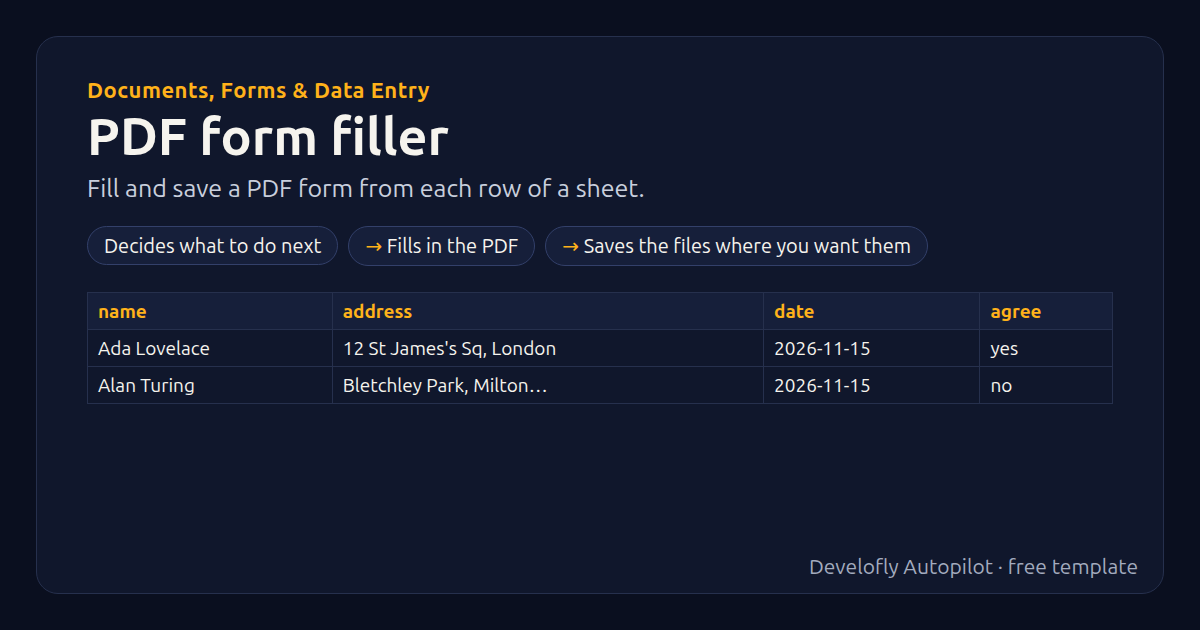
What it does
Fills a fillable PDF form (one with form fields) once per row of your sheet and saves each copy as a PDF named after the row. First run it with “List the form's field names” to see the names, then match them to your columns in the “Fill a PDF form” step (Name = {{name}}…; tick boxes take yes / no). “Lock the values” makes them part of the page.
How it works
- Decides what to do next
- Fills in the PDF
- Saves the files where you want them
All 11 steps (as they appear in the app)
- If mode equals List the form's field names
- Fill PDF {{pdf_form}} → {{row}}.pdf
- Stop row: Field names: {{pdf_fields}}
- file_name = {{name}}
- If file_name empty
- file_name = form-{{row}}
- If lock_fields equals yes
- Fill PDF {{pdf_form}} → {{file_name}}
- Fill PDF {{pdf_form}} → {{file_name}}
- If save_folder not empty
- Save files to {{save_folder}}
Sample data included
The template comes with sample rows like these, so you can see it work before using your own list.
| name | address | date | agree |
|---|---|---|---|
| Ada Lovelace | 12 St James's Sq, London | 2026-11-15 | yes |
| Alan Turing | Bletchley Park, Milton Keynes | 2026-11-15 | no |
Get this template
1. Download Develofly Autopilot: free, for Ubuntu and other Linux desktops.
Download Develofly Autopilot2. The app comes with every template, so this one is already in your library. Click below to open it (or find it under Templates).
Open in AutopilotWhat you need
- A spreadsheet (CSV or Excel) — a sample is included
You fill in: Fillable PDF form, What to do, Lock the values (flatten), Also copy the PDFs to (optional).
Make it yours
Every step is editable in the app: change the site, the columns, the schedule, or chain it with other bots. Run it once, on a schedule, or sell it as your own bot.