 Develofly Autopilot
What it does
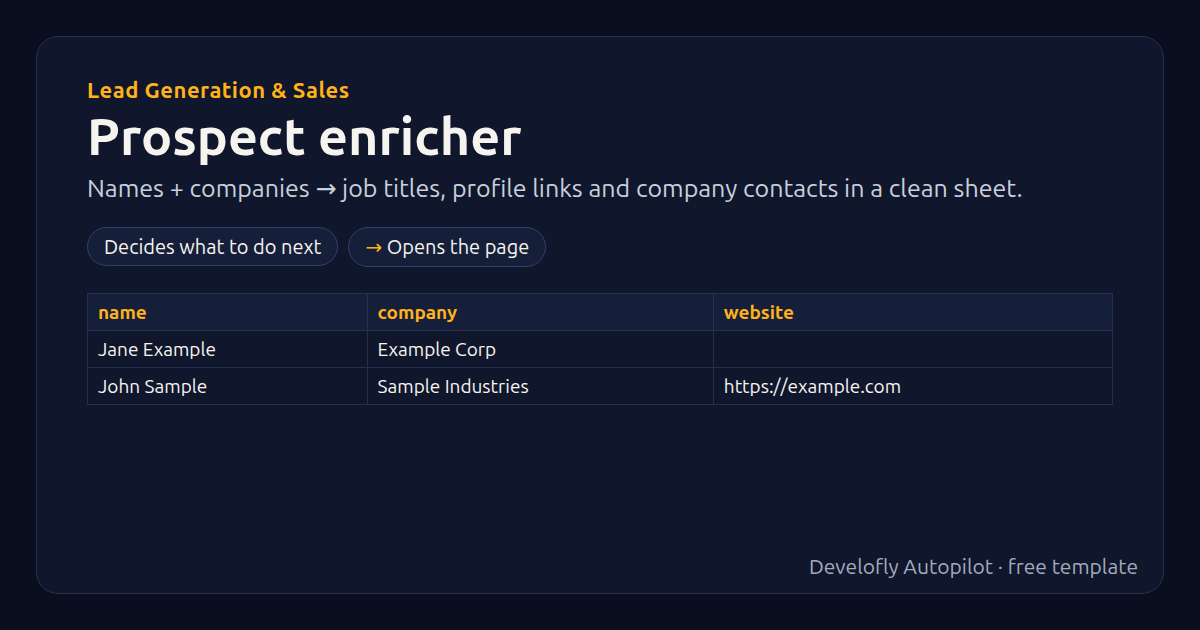
For a list of people (columns: name, company, optional website), searches the web for each person's public job title and profile link, finds the company website when you don't have it, and collects the company's public contact emails and phone numbers from its site, into a clean sheet. It reads only public pages, gently, one person at a time. Follow the privacy and anti-spam rules where you sell (e.g. GDPR, CAN-SPAM) when you contact people.
How it works
- Decides what to do next
- Opens the page
All 14 steps (as they appear in the app)
- If website empty
- site_query = {{company}} official website
- Open {{search_url}}{{site_query:url}}
- Run JavaScript → website
- person_query = {{name}} {{company}} {{search_hint}}
- Open {{search_url}}{{person_query:url}}
- Run JavaScript → title
- Run JavaScript → profile_url
- Run JavaScript → found_text
- If website not empty
- Open {{website}}
- Run JavaScript → company_emails
- Run JavaScript → company_phones
- enriched_at = {{now}}
Sample data included
The template comes with sample rows like these, so you can see it work before using your own list.
| name | company | website |
|---|---|---|
| Jane Example | Example Corp | |
| John Sample | Sample Industries | https://example.com |
Get this template
1. Download Develofly Autopilot: free, for Ubuntu and other Linux desktops.
Download Develofly Autopilot2. The app comes with every template, so this one is already in your library. Click below to open it (or find it under Templates).
Open in AutopilotWhat you need
- A browser — the app installs it for you
- A spreadsheet (CSV or Excel) — a sample is included
You fill in: Search page (advanced), Add to each person search.
Make it yours
Every step is editable in the app: change the site, the columns, the schedule, or chain it with other bots. Run it once, on a schedule, or sell it as your own bot.