 Develofly Autopilot
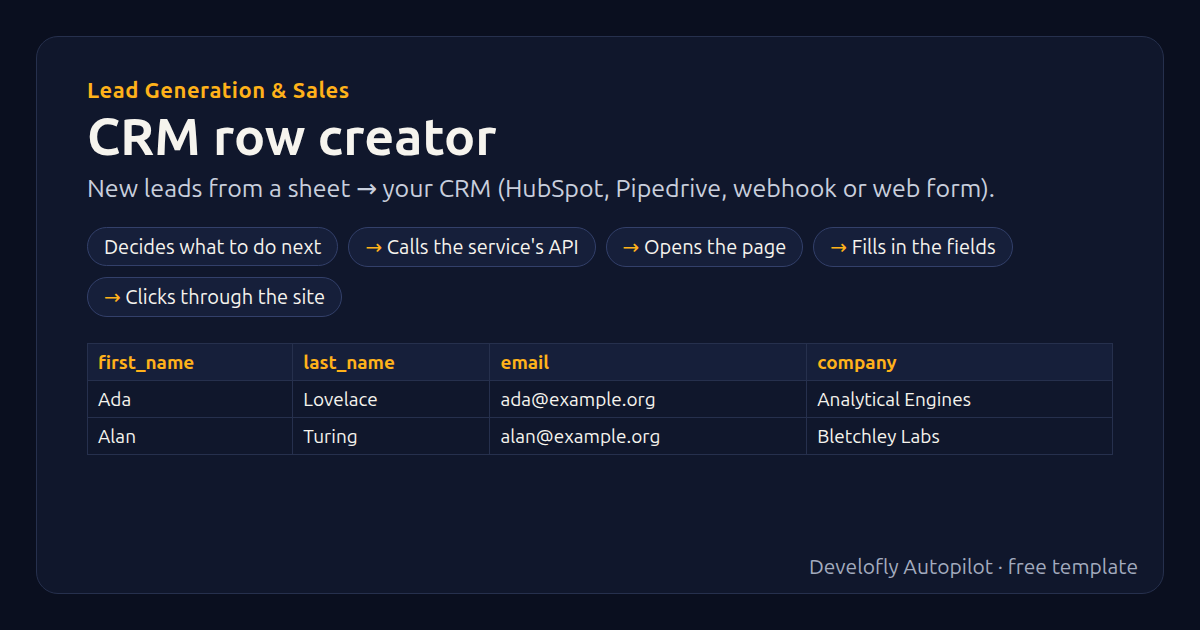
What it does
Sends each lead in your sheet (columns: first_name, last_name, email, company, phone, title) to your CRM: HubSpot or Pipedrive through their APIs (your private-app token / API token), any other CRM or Zapier/Make through a webhook, or the CRM's web form (web-to-lead). Each row gets crm_result (created / already in the CRM / submitted / error). Run it again on its results sheet and only new rows are sent. Change which columns go where in the step for your CRM.
How it works
- Decides what to do next
- Calls the service's API
- Opens the page
- Fills in the fields
- Clicks through the site
All 40 steps (as they appear in the app)
- If crm_result not empty
- Stop row: already sent to the CRM ({{crm_result}})
- If crm equals HubSpot
- POST {{hubspot_url}}
- If crm equals Pipedrive
- full_name = {{first_name}} {{last_name}}
- POST {{pipedrive_url}}?api_token={{crm_token:url}}
- If crm equals Webhook / other API
- POST {{webhook_url}}
- If crm equals Web form
- Open {{form_url}}
- name_value = {{first_name}} {{last_name}}
- email_value = {{email}}
- company_value = {{company}}
- phone_value = {{phone}}
- If name_selector not empty
- If name_value not empty
- Type “{{name_value}}” into {{name_selector}}
- If email_selector not empty
- If email_value not empty
- Type “{{email_value}}” into {{email_selector}}
- If company_selector not empty
- If company_value not empty
- Type “{{company_value}}” into {{company_selector}}
- If phone_selector not empty
- If phone_value not empty
- Type “{{phone_value}}” into {{phone_selector}}
- Click {{submit_selector}}
- If success_text not empty
- Wait for text={{success_text}} (visible)
- Pause 2.0s
- crm_result = submitted
- If crm_http_status not empty
- If crm_http_status matches ^20[01]$
- crm_result = created
- If crm_http_status equals 409
- crm_result = already in the CRM
- crm_result = error {{crm_http_status}}
- Stop row: The CRM said {{crm_http_status}}: {{crm_reply}}
- sent_at = {{now}}
Sample data included
The template comes with sample rows like these, so you can see it work before using your own list.
| first_name | last_name | company | phone | title | |
|---|---|---|---|---|---|
| Ada | Lovelace | [email protected] | Analytical Engines | 555-0100 | Founder |
| Alan | Turing | [email protected] | Bletchley Labs | 555-0101 | Head of Research |
Get this template
1. Download Develofly Autopilot: free, for Ubuntu and other Linux desktops.
Download Develofly Autopilot2. The app comes with every template, so this one is already in your library. Click below to open it (or find it under Templates).
Open in AutopilotWhat you need
- A spreadsheet (CSV or Excel) — a sample is included
- An API key for the service it uses
You fill in: Send to, API token (HubSpot / Pipedrive), Webhook address, Webhook headers, Web form page, Form: name field, Form: email field, Form: company field, Form: phone field, Form: submit button, Form: text shown after sending, HubSpot API address (advanced).
Make it yours
Every step is editable in the app: change the site, the columns, the schedule, or chain it with other bots. Run it once, on a schedule, or sell it as your own bot.