 Develofly Autopilot
What it does
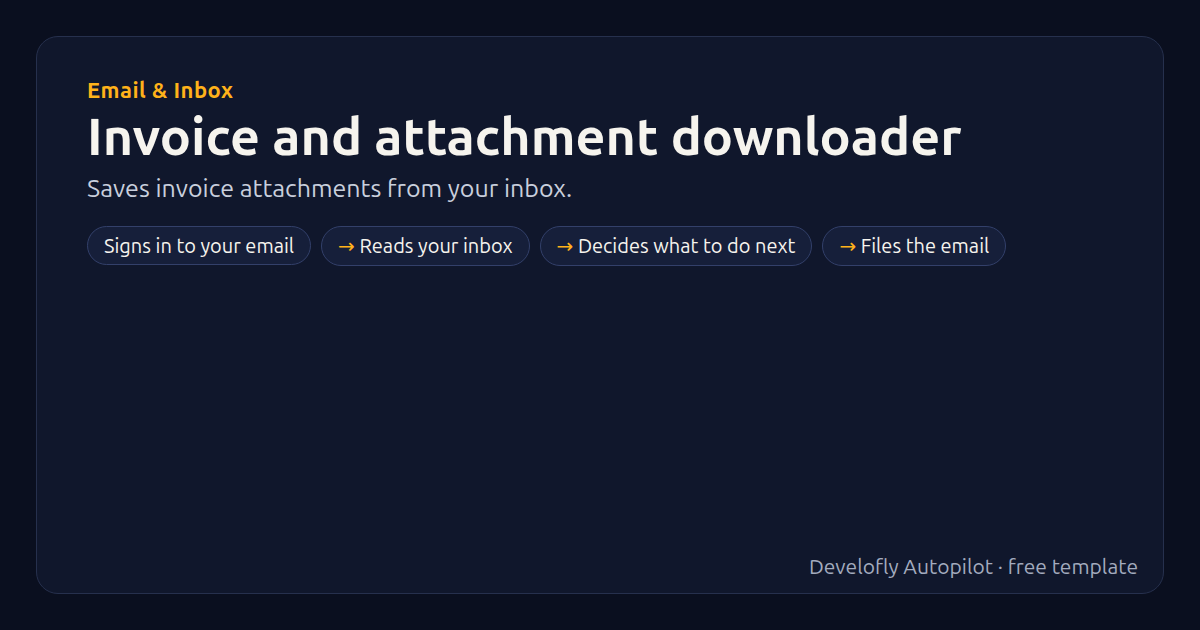
Saves the attachments of recent emails whose subject mentions invoices (or anything you choose) into the run folder, lists them in a sheet, and can move those emails to a folder.
How it works
- Signs in to your email
- Reads your inbox
- Decides what to do next
- Files the email
All 7 steps (as they appear in the app)
- Email account {{email_address}} ({{email_provider}})
- Check INBOX (4 steps each)
- from = {{email_from}}
- subject = {{email_subject}}
- files = {{email_attachments}}
- If move_to not empty
- Mark email move → {{move_to}}
Get this template
1. Download Develofly Autopilot: free, for Ubuntu and other Linux desktops.
Download Develofly Autopilot2. The app comes with every template, so this one is already in your library. Click below to open it (or find it under Templates).
Open in AutopilotWhat you need
- An email account (Gmail, Outlook, Yahoo or any IMAP)
You fill in: Email provider, Your email address, App password, Subject contains, Then move them to folder.
Make it yours
Every step is editable in the app: change the site, the columns, the schedule, or chain it with other bots. Run it once, on a schedule, or sell it as your own bot.