 Develofly Autopilot
What it does
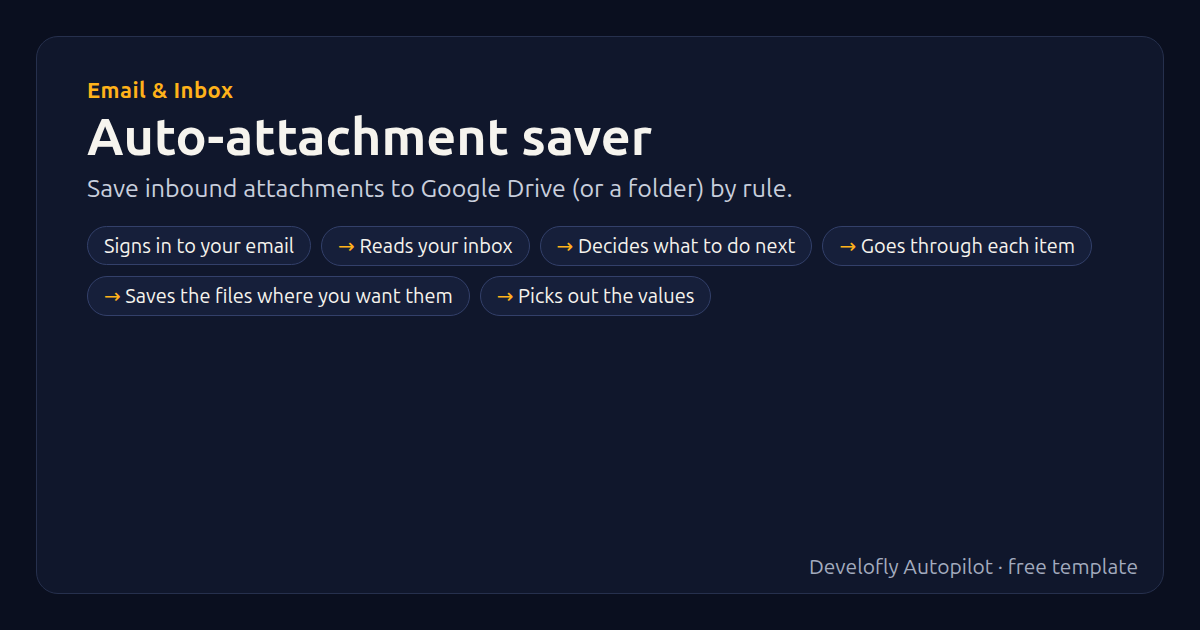
Saves attachments from emails that match your rules (sender, subject, file types) to Google Drive or a folder on this computer, and logs each file. Google Drive works through a small Apps Script web app you deploy once in your own Google account (the script is in the guide, section “Save files to Google Drive”); no Google password is stored. The Drive folder can use {{sender}} and {{date}}. Emails handled before are skipped.
How it works
- Signs in to your email
- Reads your inbox
- Decides what to do next
- Goes through each item
- Saves the files where you want them
- Picks out the values
- Adds rows to your sheet
- Files the email
All 16 steps (as they appear in the app)
- Email account {{email_address}} ({{email_provider}})
- Check INBOX (1 steps each)
- If email_message_id seen in past runs
- sender = {{email_from_name}}
- If sender empty
- sender = {{email_from}}
- For each att in {{email_attachments}} (1 steps)
- If att matches \.({{file_types}})$
- If save_to equals Google Drive
- Save files to google drive
- If save_to equals A folder on this computer
- Save files to {{local_folder}}
- Find /[/\\](?:\d+_)?([^/\\]+)$/ → _file
- Add row: file, from, subject, received, saved_to
- If move_to not empty
- Mark email move → {{move_to}}
Get this template
1. Download Develofly Autopilot: free, for Ubuntu and other Linux desktops.
Download Develofly Autopilot2. The app comes with every template, so this one is already in your library. Click below to open it (or find it under Templates).
Open in AutopilotWhat you need
- An email account (Gmail, Outlook, Yahoo or any IMAP)
You fill in: Email provider, Your email address, App password, From contains (optional), Subject contains (optional), File types, Look back (days), Save to, Google Drive: Apps Script web-app address, Google Drive folder, Folder on this computer, Then move the email to (optional).
Make it yours
Every step is editable in the app: change the site, the columns, the schedule, or chain it with other bots. Run it once, on a schedule, or sell it as your own bot.