 Develofly Autopilot
What it does
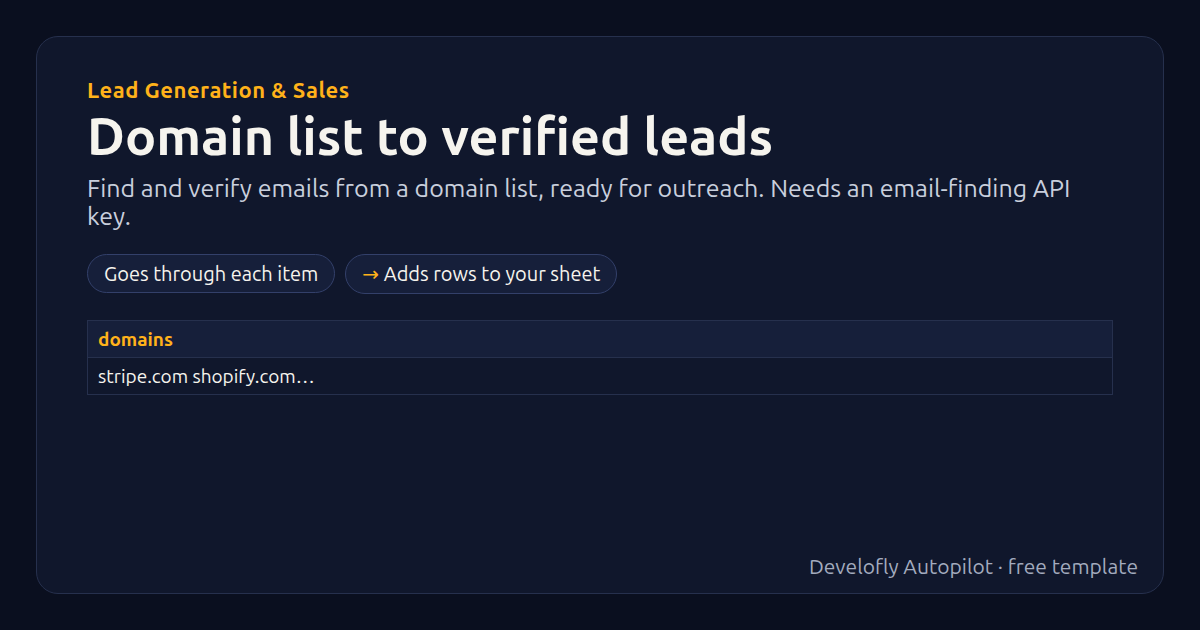
Take a list of domains, find their email addresses, and verify each one. Feeds into the existing email automation steps.
How it works
- Goes through each item
- Adds rows to your sheet
All 5 steps (as they appear in the app)
- For each domain in {{domains}} (2 steps)
- Find emails for {{domain}} → emails
- For each email_item in {{emails}} (2 steps)
- Check {{email_item.value}} → email_check
- Add row: domain, email, check_result, name, position
Sample data included
The template comes with sample rows like these, so you can see it work before using your own list.
| domains |
|---|
| stripe.com shopify.com notion.so |
Get this template
1. Download Develofly Autopilot: free, for Ubuntu and Windows.
Download Develofly Autopilot2. The app comes with every template, so this one is already in your library. Click below to open it (or find it under Templates).
Open in AutopilotWhat you need
- An API key for the service it uses
You fill in: Domains (one per line).
Make it yours
Every step is editable in the app: change the site, the columns, the schedule, or chain it with other bots. Run it once, on a schedule, or sell it as your own bot.
More Lead Generation & Sales templates
Email verifier + list cleanerDedupe a contact CSV, check email formats and drop junk rows.Find emails for domainFind email addresses for any domain. Uses your email-finding API key.CRM row creatorNew leads from a sheet → your CRM (HubSpot, Pipedrive, webhook or web form).Event / exhibitor list builderA conference exhibitor directory → a lead sheet with websites and contacts.