 Develofly Autopilot
What it does
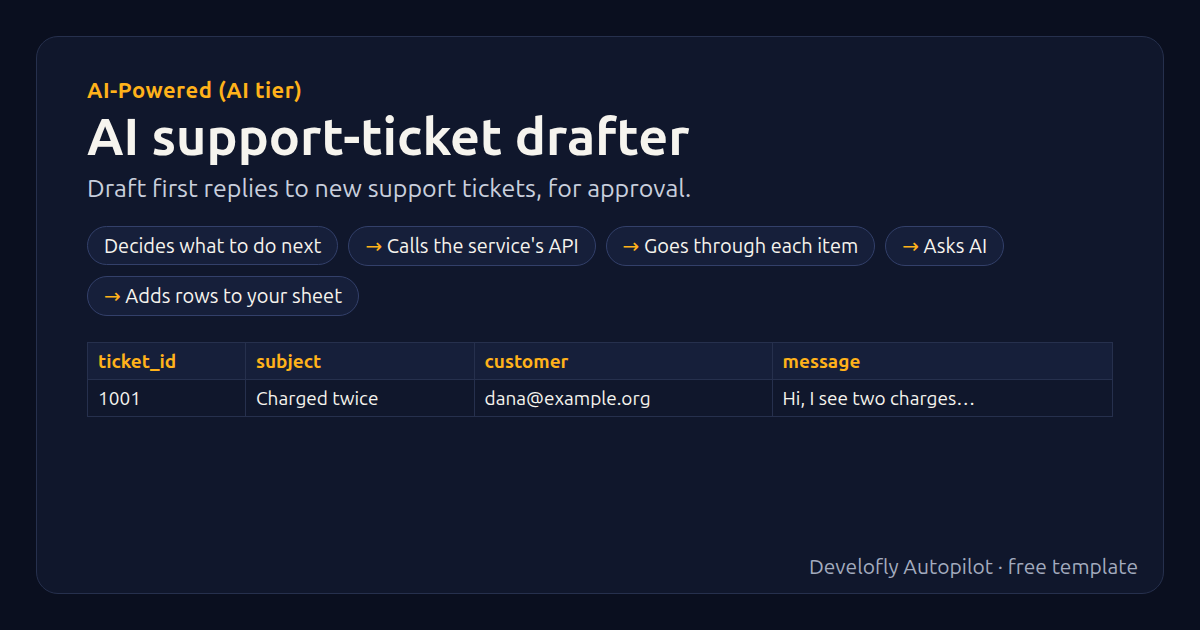
Drafts a first-response reply for each new ticket in your queue and leaves it for a person to approve: from Zendesk or Freshdesk (API token) the draft can be added as a private internal note on the ticket, ready to edit and send; from your own sheet (columns: ticket_id, subject, message, customer) the drafts are listed in the results. Tickets drafted in an earlier run are skipped. Nothing is ever sent to customers. Needs a plan with AI included.
How it works
- Decides what to do next
- Calls the service's API
- Goes through each item
- Asks AI
- Adds rows to your sheet
All 25 steps (as they appear in the app)
- If source equals Zendesk
- _auth = {{helpdesk_email}}/token:{{helpdesk_token}}
- GET {{helpdesk_url}}/api/v2/search.json?query={{zendesk_query:url}}&sort_by=created_at
- If source equals Freshdesk
- _auth = {{helpdesk_token}}:X
- GET {{helpdesk_url}}/api/v2/tickets?filter=new_and_my_open&include=description&per_page=50
- If source equals My sheet
- _tickets = [{"id": {{ticket_id:json}}, "subject": {{subject:json}}, "description": {{message:json}}, "customer": {{customer:json}}}]
- For each t in {{_tickets}} (4 steps)
- _text = {{t_description_text}}
- If _text empty
- _text = {{t_description:text}}
- _tkey = {{source}}|{{t_id}}
- If _tkey seen in past runs
- Ask AI → draft_reply, category, priority, confidence
- _posted = no
- If post_as_note equals yes
- If source equals Zendesk
- PUT {{helpdesk_url}}/api/v2/tickets/{{t_id}}.json
- _posted = yes
- If source equals Freshdesk
- POST {{helpdesk_url}}/api/v2/tickets/{{t_id}}/notes
- _posted = yes
- Add row: ticket, subject, draft_reply, category, priority, confidence, private_note_added
- tickets_seen = {{t_count|0}}
Sample data included
The template comes with sample rows like these, so you can see it work before using your own list.
| ticket_id | subject | customer | message |
|---|---|---|---|
| 1001 | Charged twice | [email protected] | Hi, I see two charges for my March subscription. |
Get this template
1. Download Develofly Autopilot: free, for Ubuntu and other Linux desktops.
Download Develofly Autopilot2. The app comes with every template, so this one is already in your library. Click below to open it (or find it under Templates).
Open in AutopilotWhat you need
- AI: a plan with AI included, or your own AI key
- A spreadsheet (CSV or Excel) — a sample is included
You fill in: Tickets from, Help desk address, Zendesk agent email, API token, Zendesk tickets to draft, Add each draft as a private note on the ticket, Company name, Facts and policies the AI may use, Tone, Signature, Most tickets per run.
Make it yours
Every step is editable in the app: change the site, the columns, the schedule, or chain it with other bots. Run it once, on a schedule, or sell it as your own bot.