 Develofly Autopilot
What it does
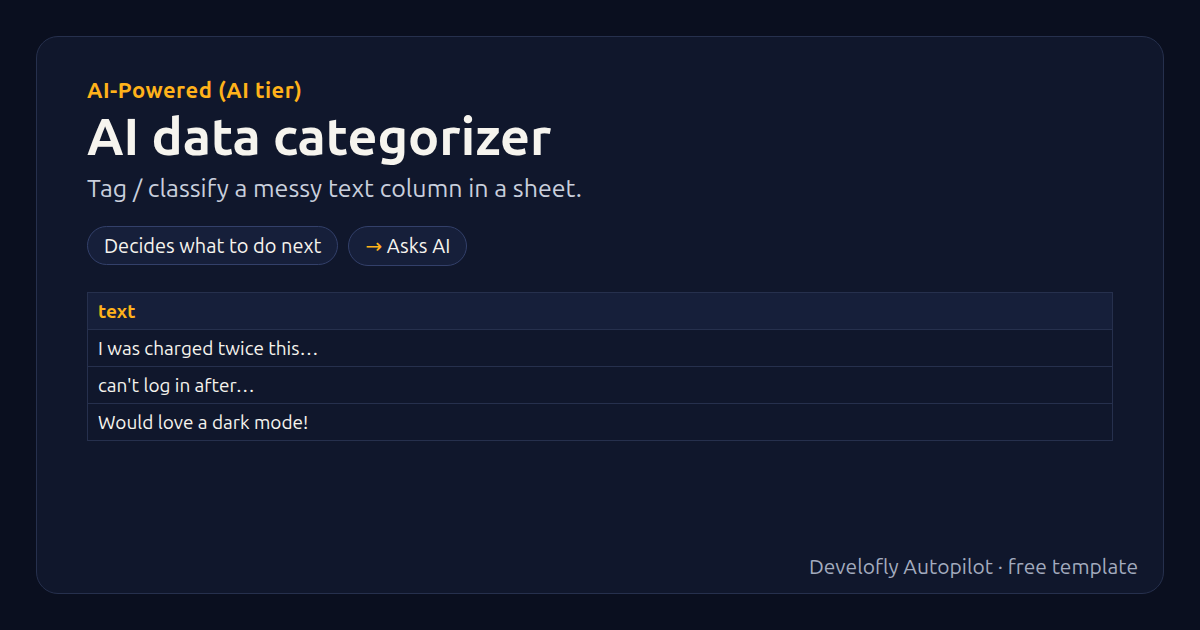
Tags and classifies a messy text column (it must be called text: rename yours, or change {{text}} in the step), e.g. support messages, survey answers, product names or transaction descriptions. Each row gets category (one of your list), confidence and tags. Needs a plan with AI included.
How it works
- Decides what to do next
- Asks AI
All 4 steps (as they appear in the app)
- If text empty
- category =
- Stop row: empty text
- Ask AI → category, confidence, tags
Sample data included
The template comes with sample rows like these, so you can see it work before using your own list.
| text |
|---|
| I was charged twice this month |
| can't log in after password reset |
| Would love a dark mode! |
| app crashes when I upload a photo |
Get this template
1. Download Develofly Autopilot: free, for Ubuntu and other Linux desktops.
Download Develofly Autopilot2. The app comes with every template, so this one is already in your library. Click below to open it (or find it under Templates).
Open in AutopilotWhat you need
- AI: a plan with AI included, or your own AI key
- A spreadsheet (CSV or Excel) — a sample is included
You fill in: Categories (comma-separated), When nothing fits, Most tags per row, Extra rules (optional).
Make it yours
Every step is editable in the app: change the site, the columns, the schedule, or chain it with other bots. Run it once, on a schedule, or sell it as your own bot.