 Develofly Autopilot
How Teams works
- Create your team on the Team page (an Agency-plan feature): members and seats, branding, the shared library and approvals, each on its own tab.
- Invite by email: the invite carries a one-time code, and waiting invites show when their code expires.
- Your teammate chooses Join with an invite code and enters the code and their email — that is their seat taken.
- Share bots into the team's Shared library: from then on, every member can use them.
Seats and roles
The team in the walkthrough starts with 3 seats included — the Team page counts them for you ("0 of 3 used") — and more can be added from the same page. Members carry roles: the owner can make a member an admin, and admins help run the team. Remove a member and their seat frees up.
Approvals and the audit log
The Approvals tab can require a manager's approval before runs. And everything is written down: every run, save, import, remix, approval and rule change goes into the team's audit log — who, what, when — which owners and admins can read in full. Approvals from chat, bound to the person who gave them, are covered on the Talk-to-bots page.
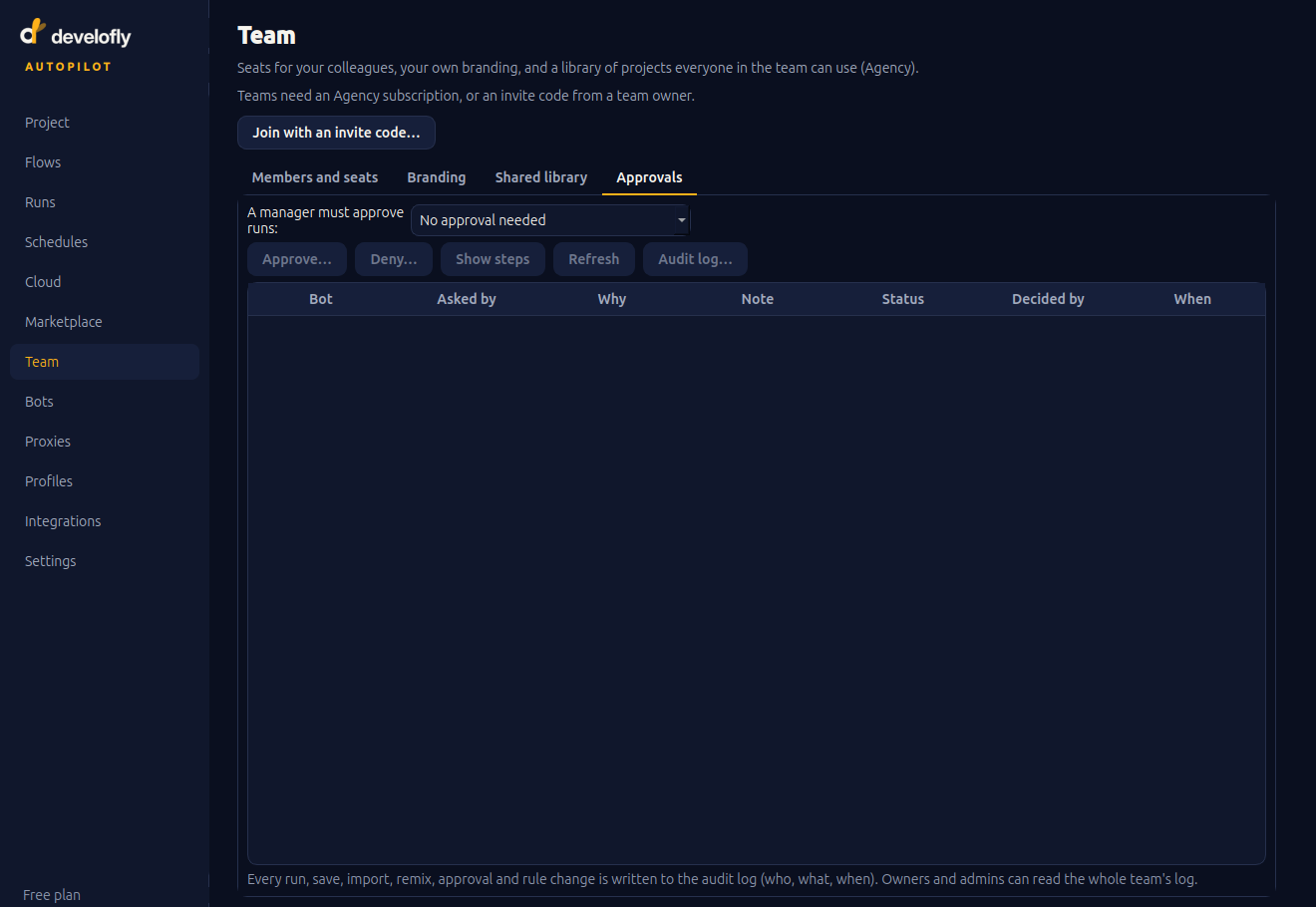
The approvals queue: which bot is asking, why, and who decided.