 Develofly Autopilot
How it works
- Connect a channel in Settings: Telegram, Slack, email, or the built-in web console.
- Send a command naming the bot — the bot starts on your machine at home or in the office, not in the cloud.
- Progress and results come back to the same conversation.
- If the run reaches an Approve step, it pauses and asks. Your yes or no is recorded against your identity on that channel.
Approvals bound to the person
An approval is only worth something if you know who gave it. Talk-to-bots binds each approval to the verified sender on the channel — a forwarded message or a shared group chat cannot approve in someone else's name. Team owners can require manager approval for specific bots, and every decision is written to the audit log.
Made for the “can you just check…” moment
The stock check that normally waits until you are back at your desk, the report a colleague needs before a meeting, the monitor that found something at 7am — start them, watch them, and approve the delicate steps from wherever you are.
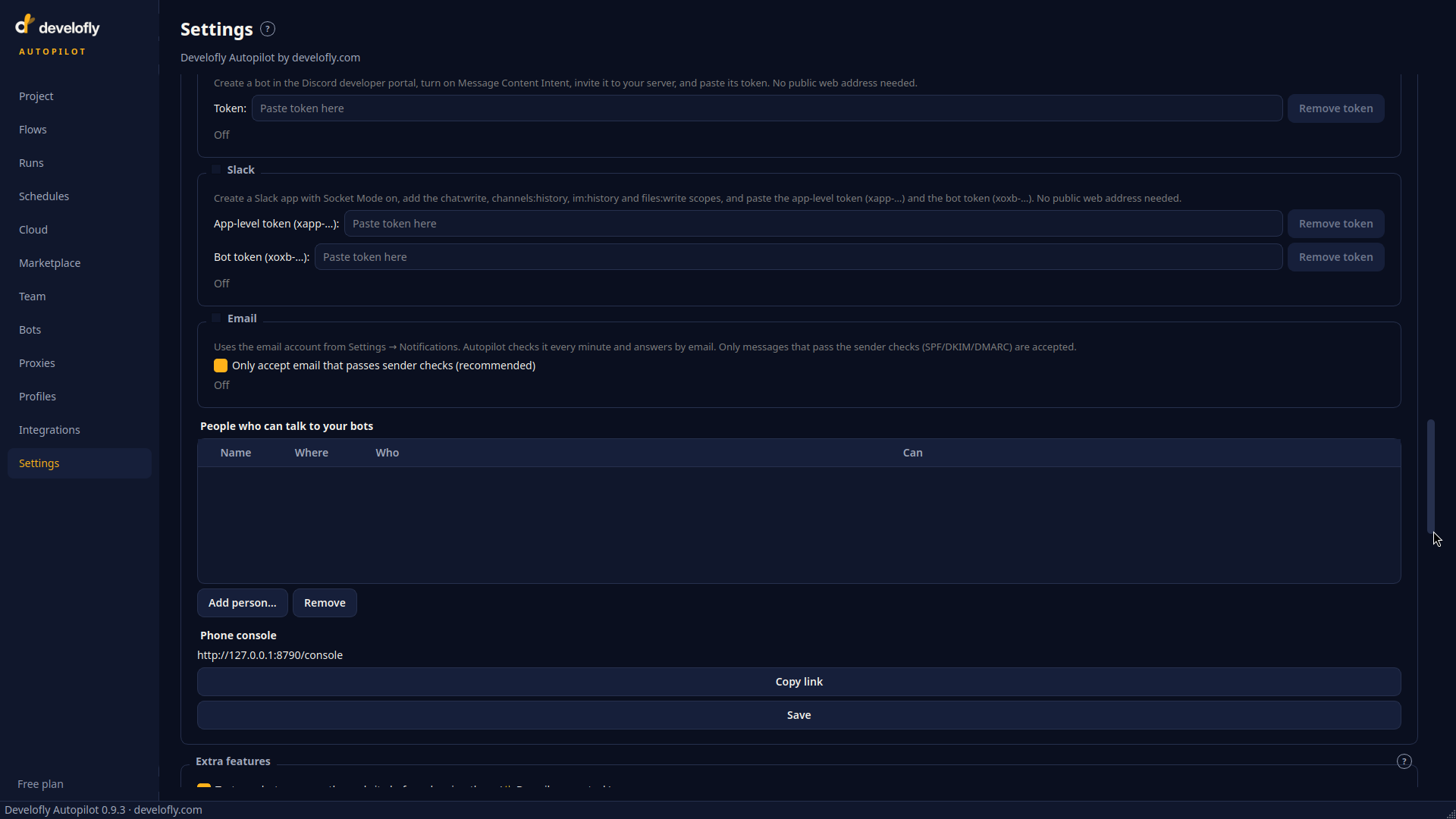
Talk settings: connect the channels your bots should listen to.
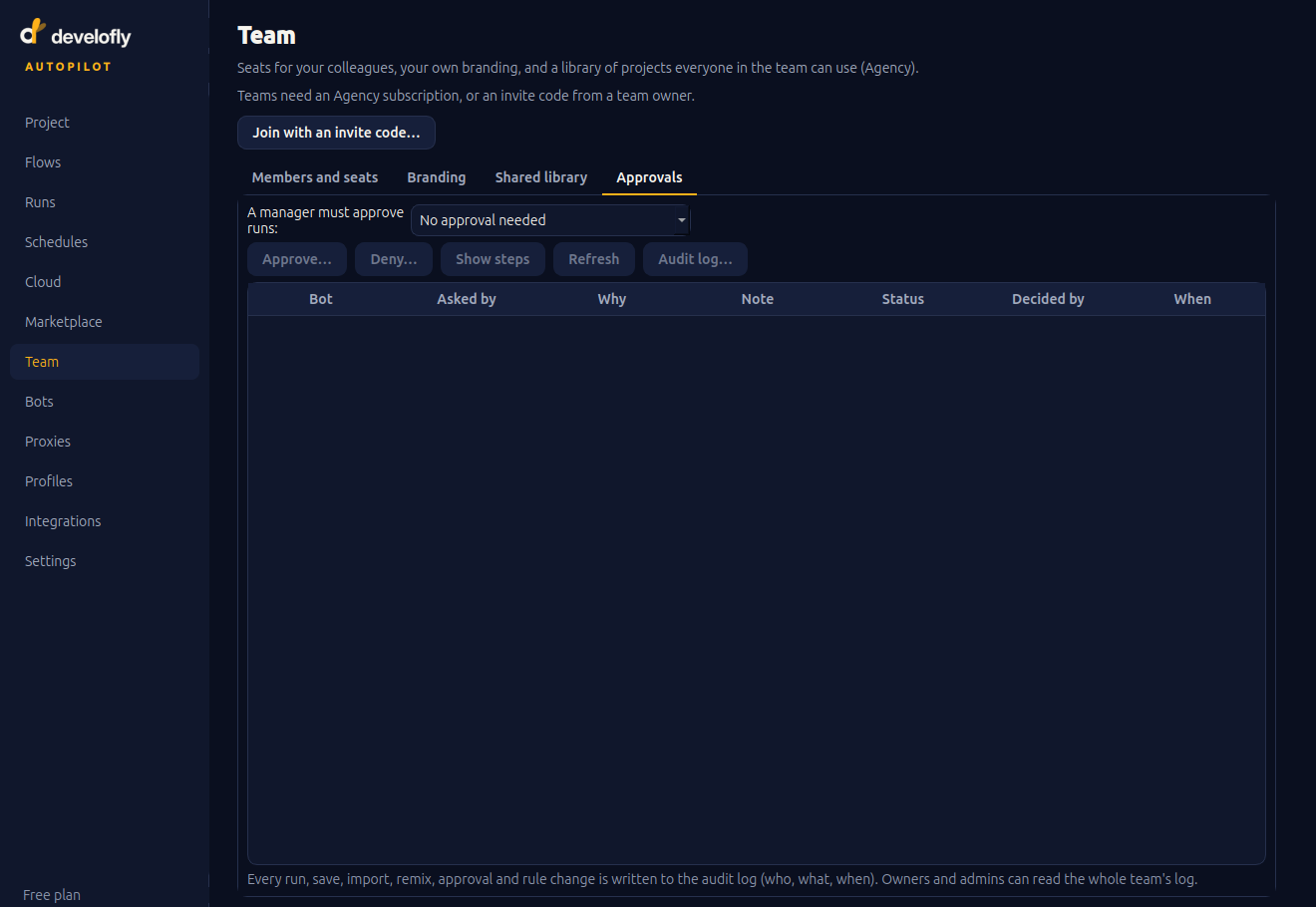
The approvals queue: which bot is asking, why, and who decided — kept for the audit log.