 Develofly Autopilot
What a profile holds
- Its own cookies and storage — sessions stay with the profile, separate from your other bots.
- A steady fingerprint — Autopilot generates one when you create the profile (platform, screen, hardware) and shows it in the dialog, so the bot presents the same identity on every run.
- A name, a group and notes — keep profiles organised by client, site or job, and write down what each one is for.
- A location, pinned or automatic — leave the location automatic, or pin the time zone and language (latitude and longitude can stay automatic too), as the walkthrough does with Chicago time and US English.
Put it to work: “Use for this bot”
Open a bot in the project editor and choose the profile under Use for this bot. Save, and the bot remembers its profile: the run log confirms it ("Using profile …") and the profile's page stamps when it was last used. In the walkthrough above, the Catalog Search bot runs under its new profile and collects the same three titles — Dune, Dune Messiah and Children of Dune.
Profiles and plans
Profiles are part of every plan: the Free plan includes 3 profiles, so you can separate your first bots before you ever pay. A profile can also carry its own proxy, so the identity and the connection tell the same story — running with proxies is a paid-plan feature (the Free plan has no proxies). For the deeper identity checks — WebRTC leak protection and the built-in leak self-test — see Antidetect profiles.
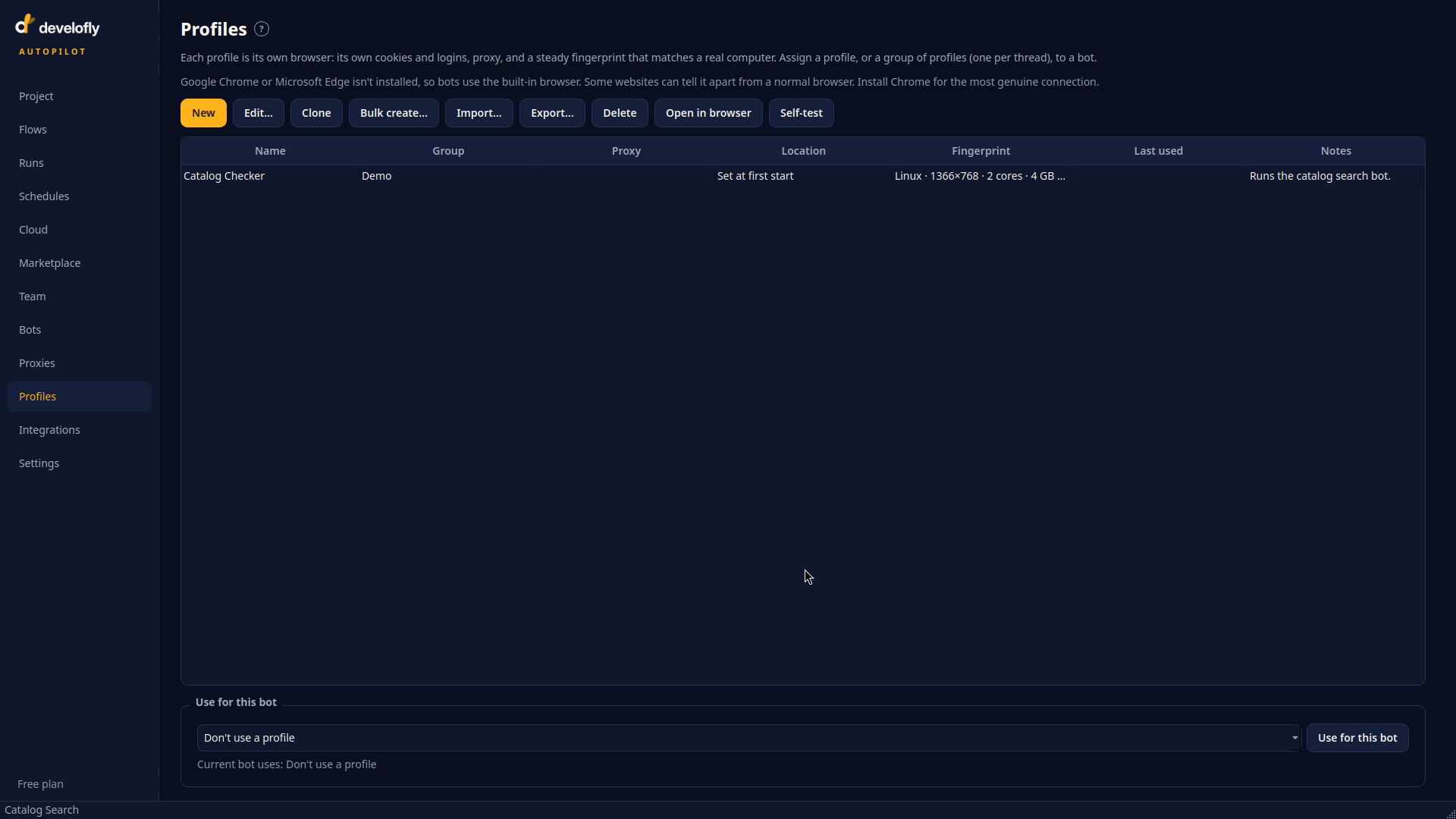
The Profiles page: every identity you have created, with its group, fingerprint and notes.
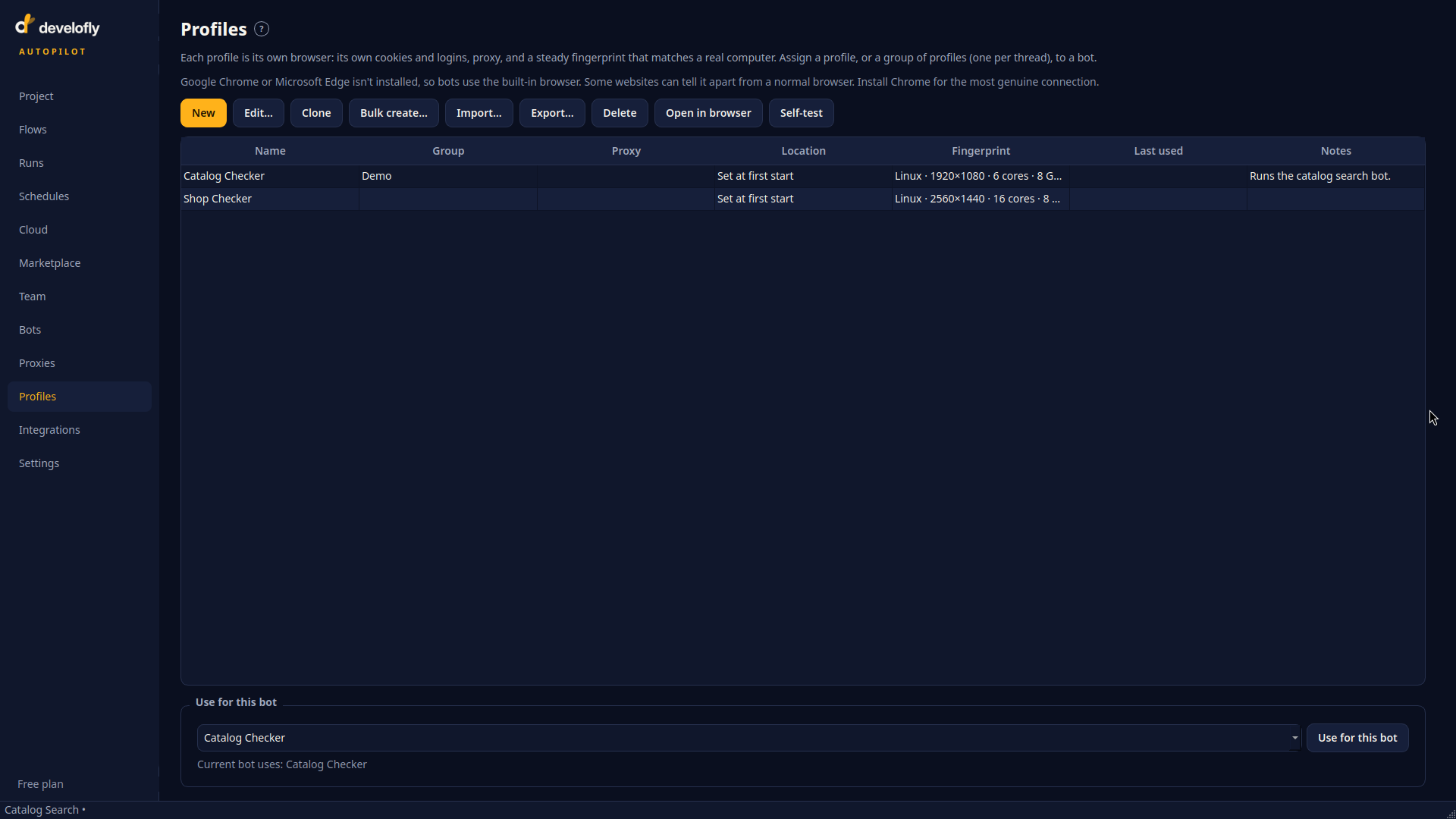
Assigning a profile to a bot: choose it once, and the bot always runs as that identity.