 Develofly Autopilot
Act like a person is on by default
With the "Human-like" run setting on, the bot moves the mouse along natural curves with small pauses, hovers before it clicks, varies how long a click is held, and presents a normal Chrome identity — an ordinary user agent, language, time zone and graphics card — instead of the usual signs of an automated browser. Turn it off and clicks jump straight to the element: a little faster, and a little more likely to be challenged.
Speed is a setting, not a hope
Every project has a Speed setting: Fast (no pauses), Normal, Careful (which also types key by key, like a person), Slow, or Custom — your own pause lengths, random extra delay, and typing speed. Slower looks more human and is gentler on the sites you automate. The setting is saved with the project, so a background monitor and a bulk collector can each run at their own pace.
Watch it work while you build
Runs normally happen without showing the browser. Untick "Run without showing the browser" and you can watch every step as it happens — the way to build and fix a bot. You can also test a single step, or run up to any step, instead of the whole bot.
Phones and tablets, too
A project can present a phone or tablet instead of a desktop: named presets (Pixel, Galaxy, OnePlus, and tablet sizes) in portrait or landscape, with the matching screen size, touch screen and mobile browser identity — for checking mobile layouts and running bots against sites that behave differently on a phone. The browser window size itself is also yours to set, pixel by pixel.
The honest effect
Human-like browsing means websites show fewer CAPTCHAs than they show a bare script. It does not make a bot invisible or welcome everywhere — when a CAPTCHA does appear, Autopilot pauses for a person (see CAPTCHAs), and automating a site is still subject to that site's terms.
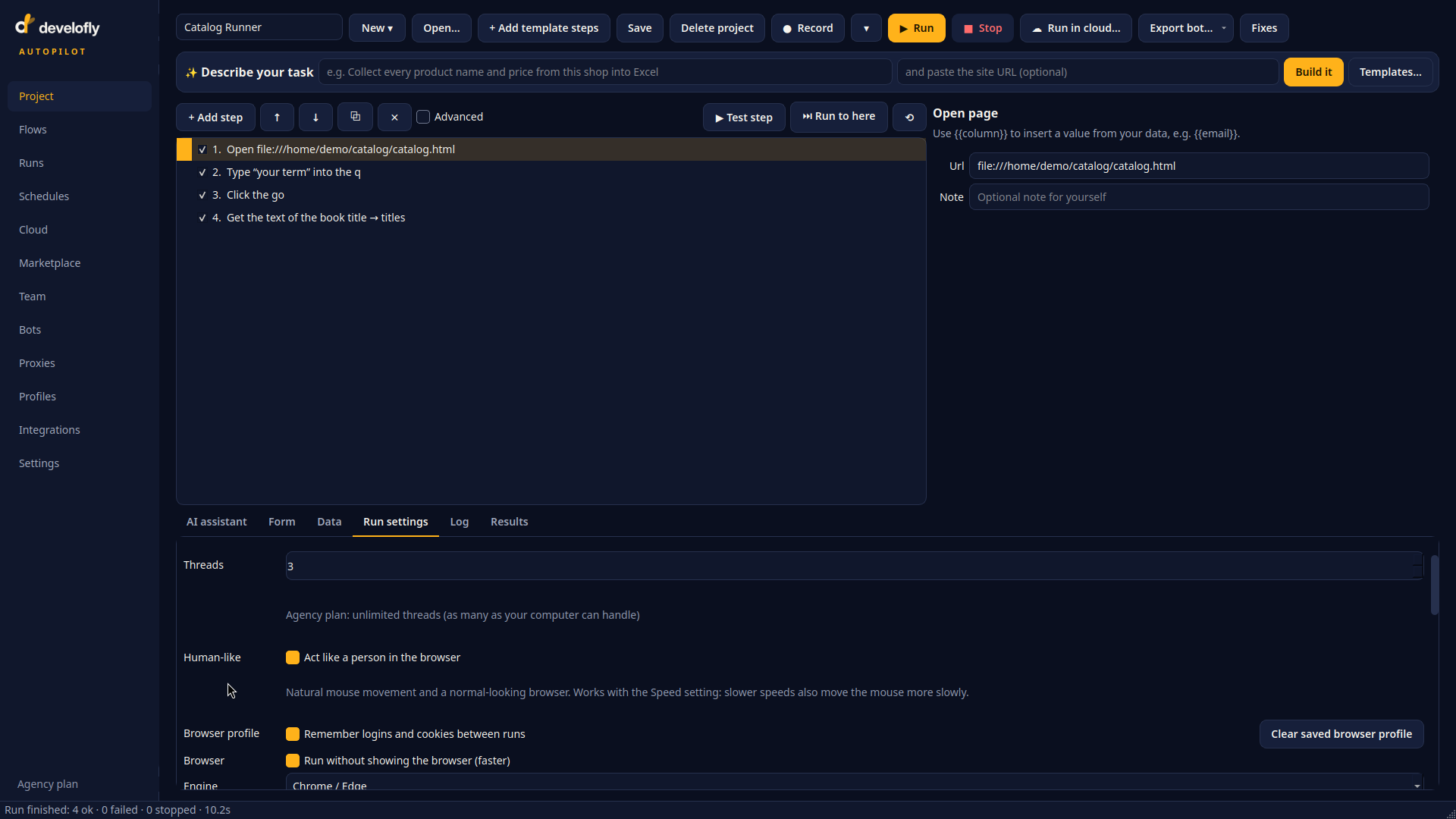
The Human-like setting: natural mouse movement and a normal-looking browser, working together with the Speed setting — slower speeds move the mouse more slowly.
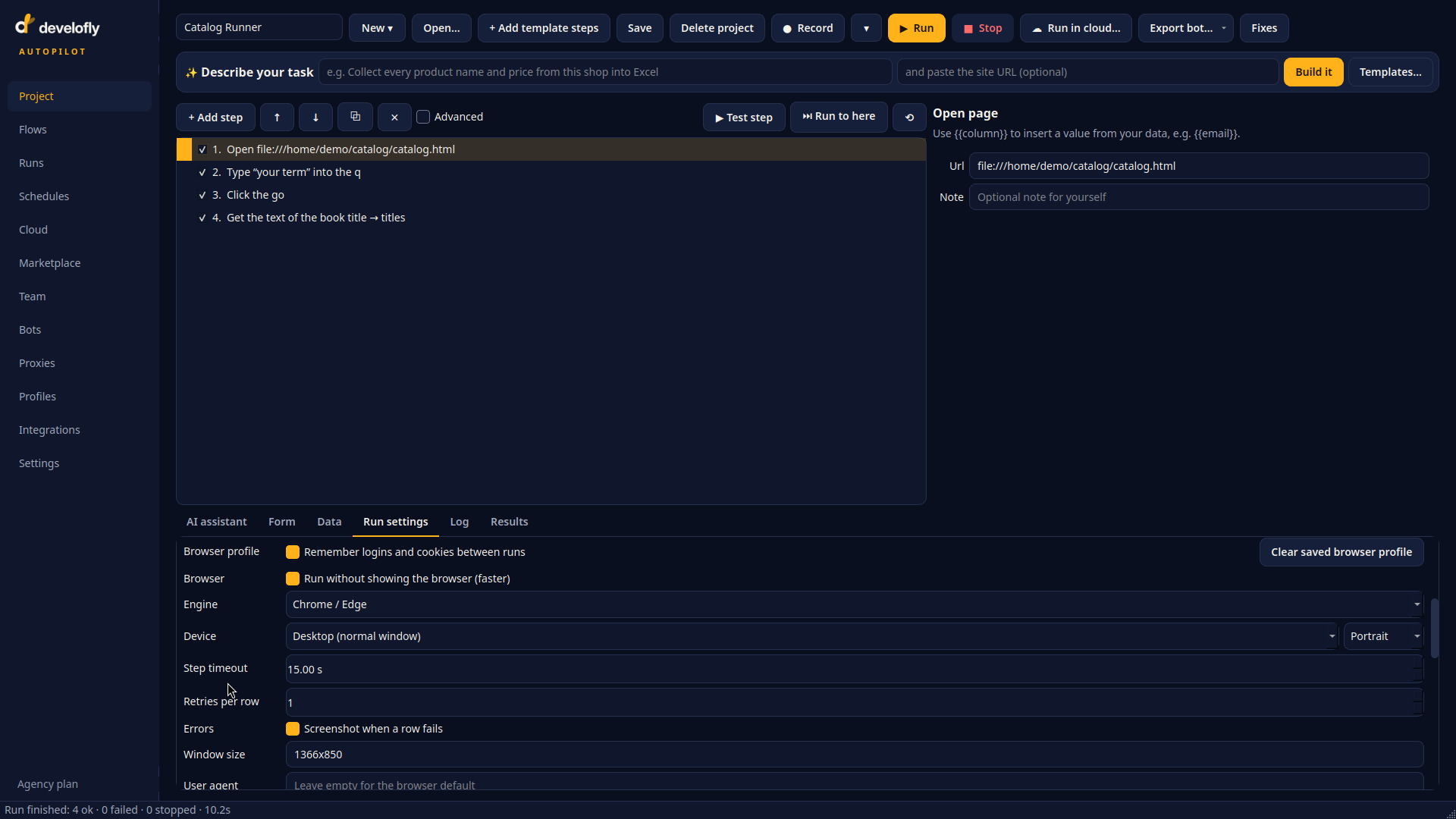
The same panel sets the browser engine and the device the bot presents — a normal desktop window here, or a phone or tablet preset instead.