 Develofly Autopilot
What it does
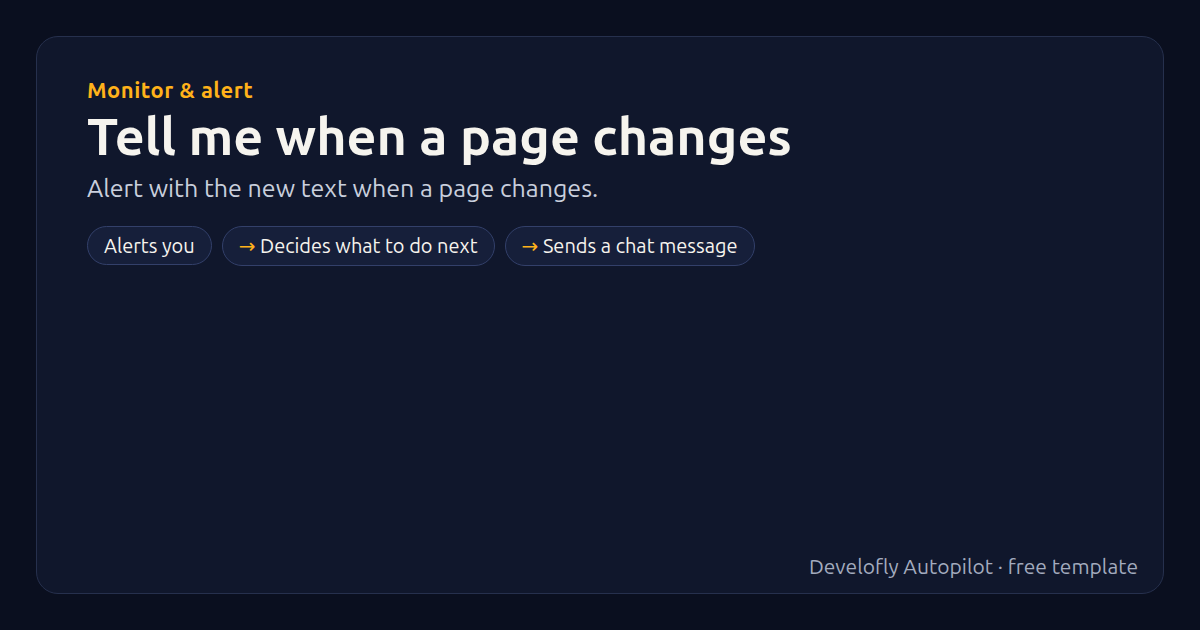
Pair it with a schedule set to “When a web page changes”: you get a desktop (and optionally Slack) alert with the new text whenever the page — or the part you watch — changes.
How it works
- Alerts you
- Decides what to do next
- Sends a chat message
All 3 steps (as they appear in the app)
- Notify: Page changed: {{trigger_url}}
- If alert_slack equals yes
- Slack: Page changed: {{trigger_url}} {{trigger_page_text}
Get this template
1. Download Develofly Autopilot: free, for Ubuntu and other Linux desktops.
Download Develofly Autopilot2. The app comes with every template, so this one is already in your library. Click below to open it (or find it under Templates).
Open in AutopilotWhat you need
- trigger
- Email or chat alerts set up in Settings
You fill in: Also send to Slack.
Make it yours
Every step is editable in the app: change the site, the columns, the schedule, or chain it with other bots. Run it once, on a schedule, or sell it as your own bot.