 Develofly Autopilot
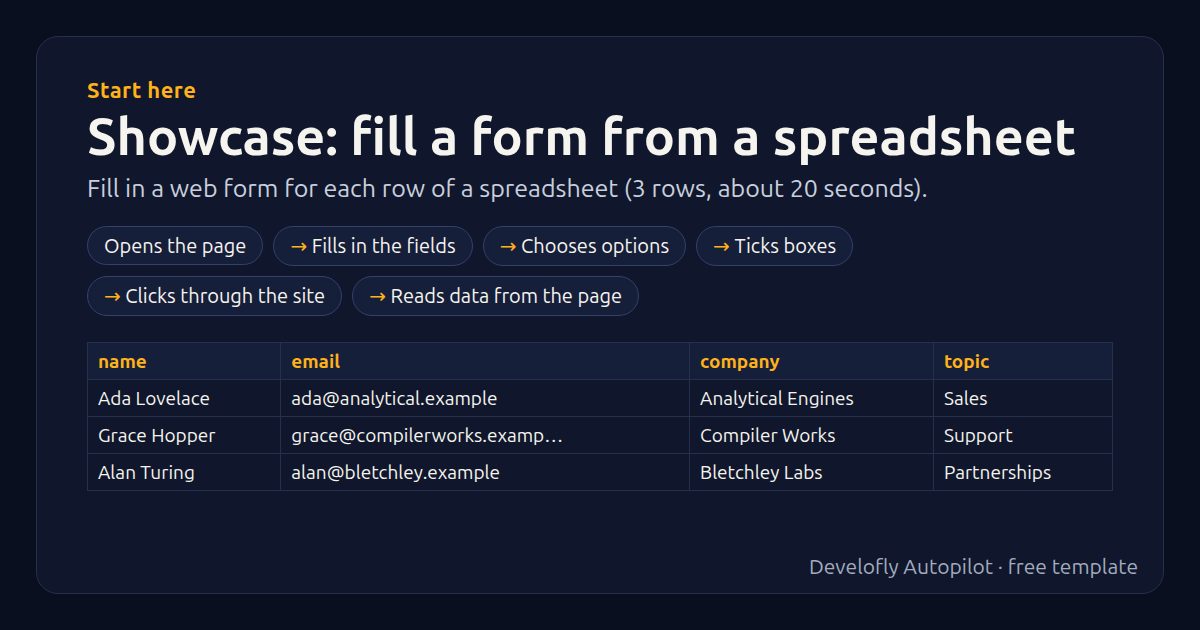
What it does
Fills in the demo site's contact form once for every row of the sample spreadsheet (name, email, company, topic, message), ticks the consent box, sends it and saves the ticket number it gets back. The same steps work on any web form: CRMs, portals, sign-up pages.
How it works
- Opens the page
- Fills in the fields
- Chooses options
- Ticks boxes
- Clicks through the site
- Reads data from the page
All 10 steps (as they appear in the app)
- Open {{demo_site}}/contact/
- Type “{{name}}” into #name
- Type “{{email}}” into #email
- Type “{{company}}” into #company
- Choose “{{topic}}” in #topic
- Type “{{message}}” into #message
- Tick #consent
- Click #send
- Wait for #ticket (visible)
- Get text of #ticket → ticket
Sample data included
The template comes with sample rows like these, so you can see it work before using your own list.
| name | company | topic | message | |
|---|---|---|---|---|
| Ada Lovelace | [email protected] | Analytical Engines | Sales | Could we get a quote for 20 seats? |
| Grace Hopper | [email protected] | Compiler Works | Support | Our export stopped working yesterday. |
| Alan Turing | [email protected] | Bletchley Labs | Partnerships | Interested in a reseller partnership. |
Get this template
1. Download Develofly Autopilot: free, for Ubuntu and other Linux desktops.
Download Develofly Autopilot2. The app comes with every template, so this one is already in your library. Click below to open it (or find it under Templates).
Open in AutopilotWhat you need
- A browser — the app installs it for you
- A spreadsheet (CSV or Excel) — a sample is included
Make it yours
Every step is editable in the app: change the site, the columns, the schedule, or chain it with other bots. Run it once, on a schedule, or sell it as your own bot.