 Develofly Autopilot
What it does
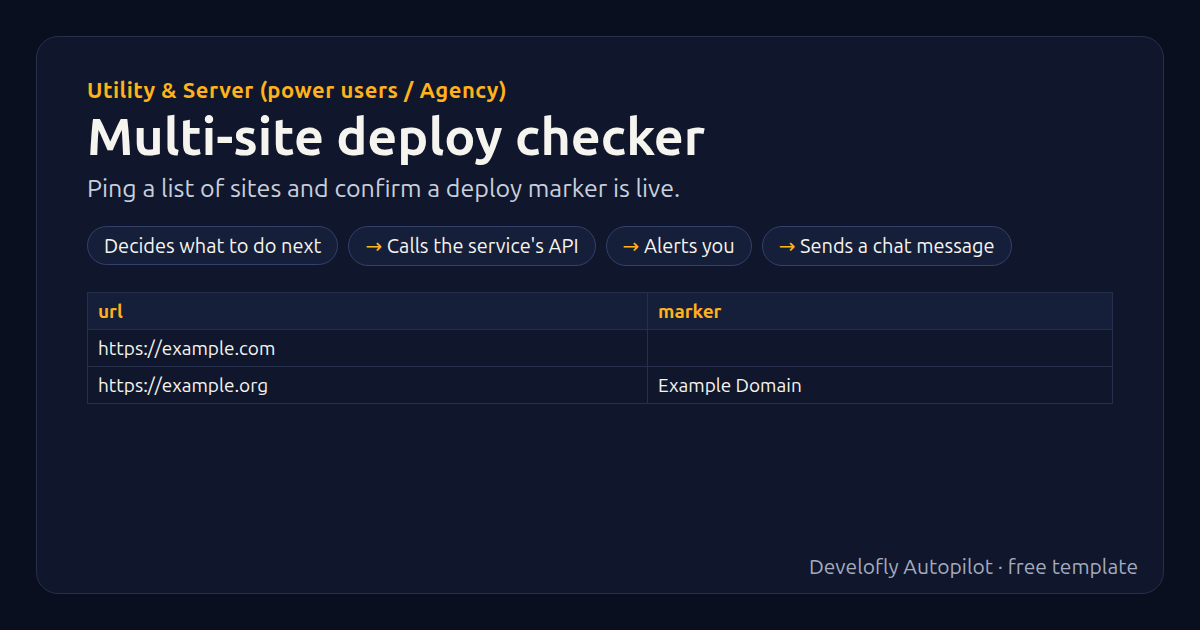
Checks every site in your list (column url, optional marker) and confirms the new deploy is live by looking for a marker string in the page, such as a version number, build ID or new headline. It bypasses caches, reports live / marker missing / site error per site, and alerts on any site that isn't live. Use the marker column per site, or one default marker for all.
How it works
- Decides what to do next
- Calls the service's API
- Alerts you
- Sends a chat message
All 19 steps (as they appear in the app)
- _marker = {{marker}}
- If _marker empty
- _marker = {{default_marker}}
- _sep = ?
- If url contains ?
- _sep = &
- GET {{url}}{{_sep}}ap_check={{now_ts}}
- If _body contains {{_marker}}
- deploy = live
- If http_status matches ^2
- deploy = MARKER MISSING
- deploy = SITE ERROR {{http_status}}
- expected = {{_marker}}
- checked_at = {{now}}
- If deploy not empty
- If deploy equals live
- Notify: Deploy check failed: {{url}}
- If alert_slack equals yes
- Slack: Deploy check failed: {{url}} {{deploy}} (looking f
Sample data included
The template comes with sample rows like these, so you can see it work before using your own list.
| url | marker |
|---|---|
| https://example.com | |
| https://example.org | Example Domain |
Get this template
1. Download Develofly Autopilot: free, for Ubuntu and other Linux desktops.
Download Develofly Autopilot2. The app comes with every template, so this one is already in your library. Click below to open it (or find it under Templates).
Open in AutopilotWhat you need
- A spreadsheet (CSV or Excel) — a sample is included
You fill in: Marker to look for (when a row has none), Also send alerts to Slack.
Make it yours
Every step is editable in the app: change the site, the columns, the schedule, or chain it with other bots. Run it once, on a schedule, or sell it as your own bot.