 Develofly Autopilot
What it does
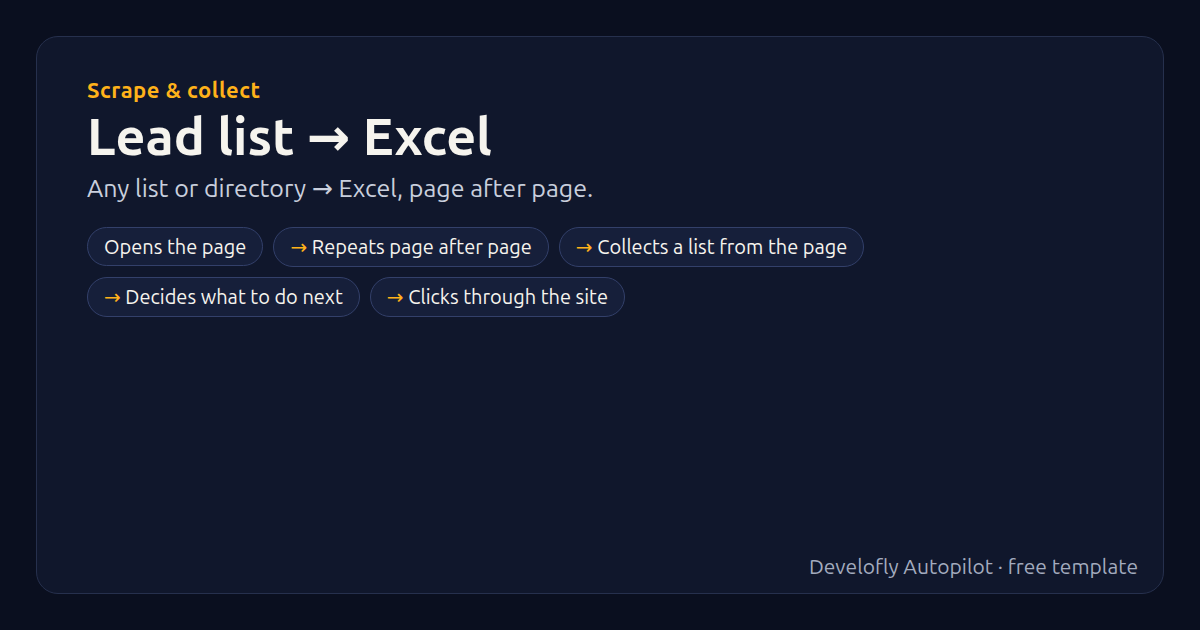
Collects every item from a list page (and the pages after it) into Excel: names, prices, links… Change the selectors to match any directory or listing site.
How it works
- Opens the page
- Repeats page after page
- Collects a list from the page
- Decides what to do next
- Clicks through the site
All 8 steps (as they appear in the app)
- Open {{start_url}}
- Repeat ×{{max_pages}} (3 steps)
- Wait for {{item_selector}} (visible)
- Get list {{item_selector}} (0 fields)
- If {{next_selector}} exists (2 / 1 steps)
- Click {{next_selector}}
- Pause 1.0s (+0–0.5s)
- Run JavaScript
Get this template
1. Download Develofly Autopilot: free, for Ubuntu and other Linux desktops.
Download Develofly Autopilot2. The app comes with every template, so this one is already in your library. Click below to open it (or find it under Templates).
Open in AutopilotWhat you need
- A browser — the app installs it for you
You fill in: List page, Each item, Fields to collect, Next-page button, Most pages.
Make it yours
Every step is editable in the app: change the site, the columns, the schedule, or chain it with other bots. Run it once, on a schedule, or sell it as your own bot.