 Develofly Autopilot
What it does
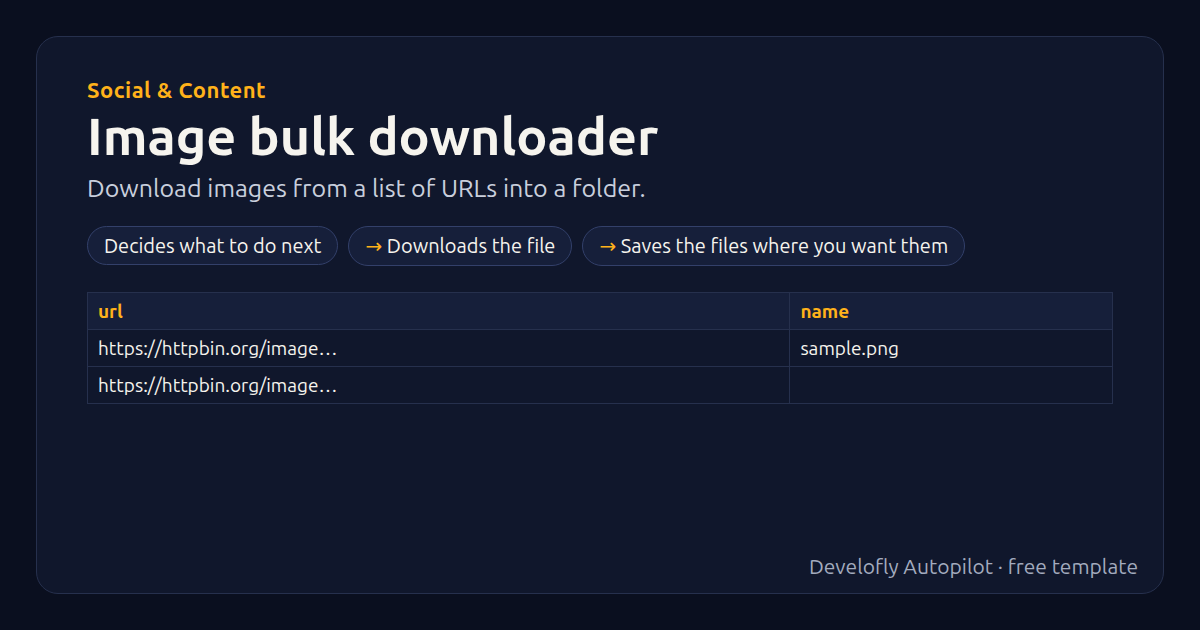
Downloads every image (or any file) in your list (column url, optional name) and copies them to a folder. Names come from the name column or the address. Several downloads run at once.
How it works
- Decides what to do next
- Downloads the file
- Saves the files where you want them
All 8 steps (as they appear in the app)
- If url empty
- Drop row: no address
- Download {{url}}
- If only_images equals yes
- If file matches \.(jpe?g|png|gif|webp|svg|avif|bmp|tiff?|ico)$
- Stop row: not an image: {{file}}
- If save_folder not empty
- Save files to {{save_folder}}
Sample data included
The template comes with sample rows like these, so you can see it work before using your own list.
| url | name |
|---|---|
| https://httpbin.org/image/png | sample.png |
| https://httpbin.org/image/jpeg |
Get this template
1. Download Develofly Autopilot: free, for Ubuntu and other Linux desktops.
Download Develofly Autopilot2. The app comes with every template, so this one is already in your library. Click below to open it (or find it under Templates).
Open in AutopilotWhat you need
- A spreadsheet (CSV or Excel) — a sample is included
You fill in: Save to folder, Only keep images.
Make it yours
Every step is editable in the app: change the site, the columns, the schedule, or chain it with other bots. Run it once, on a schedule, or sell it as your own bot.
More Social & Content templates
Content calendar posterPublish queued posts across platforms on schedule.Hashtag / trend collectorPull top posts for a hashtag into a sheet.Social mention monitorWatch for new brand mentions across sites and log them.YouTube channel stats trackerLog views and subscribers for your and rivals' channels.