 Develofly Autopilot
46 services, 10 categories
The Connected apps tab groups the services your bots can use: proxies, Content & AI, Email, Storage, CRM, Spreadsheets & databases and more. Alongside it sit Databases and Plugins tabs — the databases and plugins your bots use, all in one place.Send results to Sheets, Airtable or a webhook
A bot's results don't have to stay in the app. Set up a destination once — Google Sheets, Airtable or any webhook — pick it in the project's settings, and each run's rows are sent on automatically. The walkthrough sets up a webhook destination end to end and shows a real run's results arriving.Keys stay on your computer
As the page itself says, keys and passwords are stored encrypted on this computer. Connect a service once and the bots on the machine can use it — no pasting keys into every project.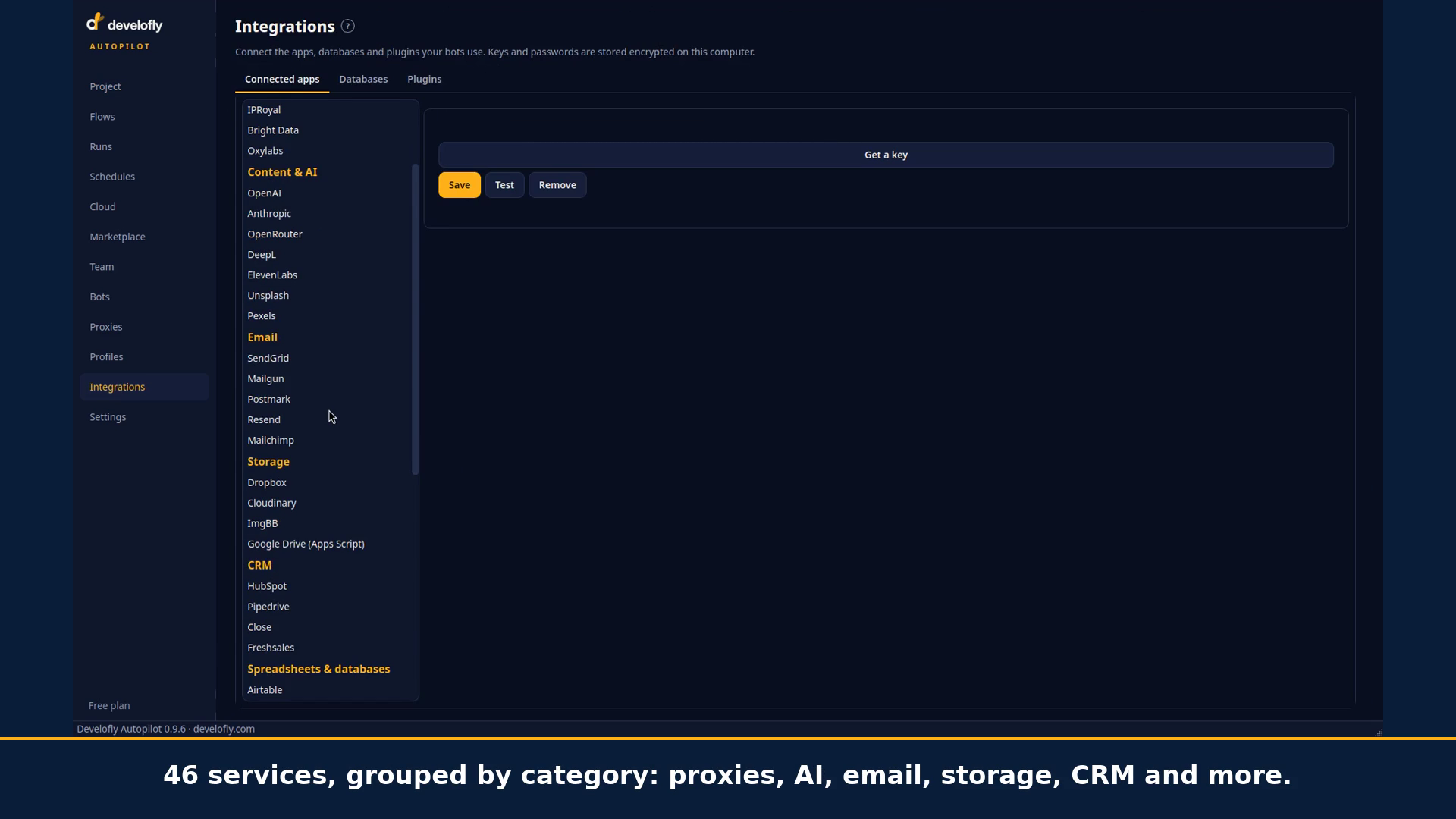
The Integrations page in the app.