 Develofly Autopilot
Export bot… builds a stand-alone app
From the Project page, Export bot… packages your project as an app your customer installs like any other program — a .deb for Ubuntu or a .exe for Windows, with your branding on it. Your customer sees a simple form (the bot's own form fields) and a Run button. Your steps stay locked and hidden: the customer can run the bot, but cannot read or change how it works. Exporting bots for your customers is part of the Pro and Agency plans.
Updates your buyers can roll back
To ship a new version, raise the version number, keep the same bot ID, and export again. Customers install the new package over the old one and keep their license and settings. If a release misbehaves, it can be rolled back and buyers return to the previous version instead of a broken bot.
License keys, signed by you
Issue license key… on the Bots page creates a key for one customer, signed with your own signing key, and drafts the email to send it in. Issued keys are listed with their expiry. Back up your signing key — without it, you can't issue keys that work in bots you've already sold.
Encrypted bots for other Autopilot users (Agency)
For people who already have Autopilot — clients, contractors, your own team — export the project as an encrypted bot (.dfbot) instead. They open it, fill in its form and run it, even on a schedule, but the step list shows only "Encrypted bot": it can't be edited, re-exported or sent to the cloud. You choose who can open it (anyone with a paid plan, or only the email addresses you name), can set a date it stops working, and can withdraw it later — from the next time it's opened, it stops. The Bots page lists the encrypted bots you've shared, with who can open each one and how often it has been opened.
Your own Bot Server
Creators can also run their own Bot Server: the app includes a setup wizard and a management page for subscribers, usage, plans and limits, and exported bots check in with it for licensing and health checks. The Bots page shows your server's status next to your exported bots and their keys.
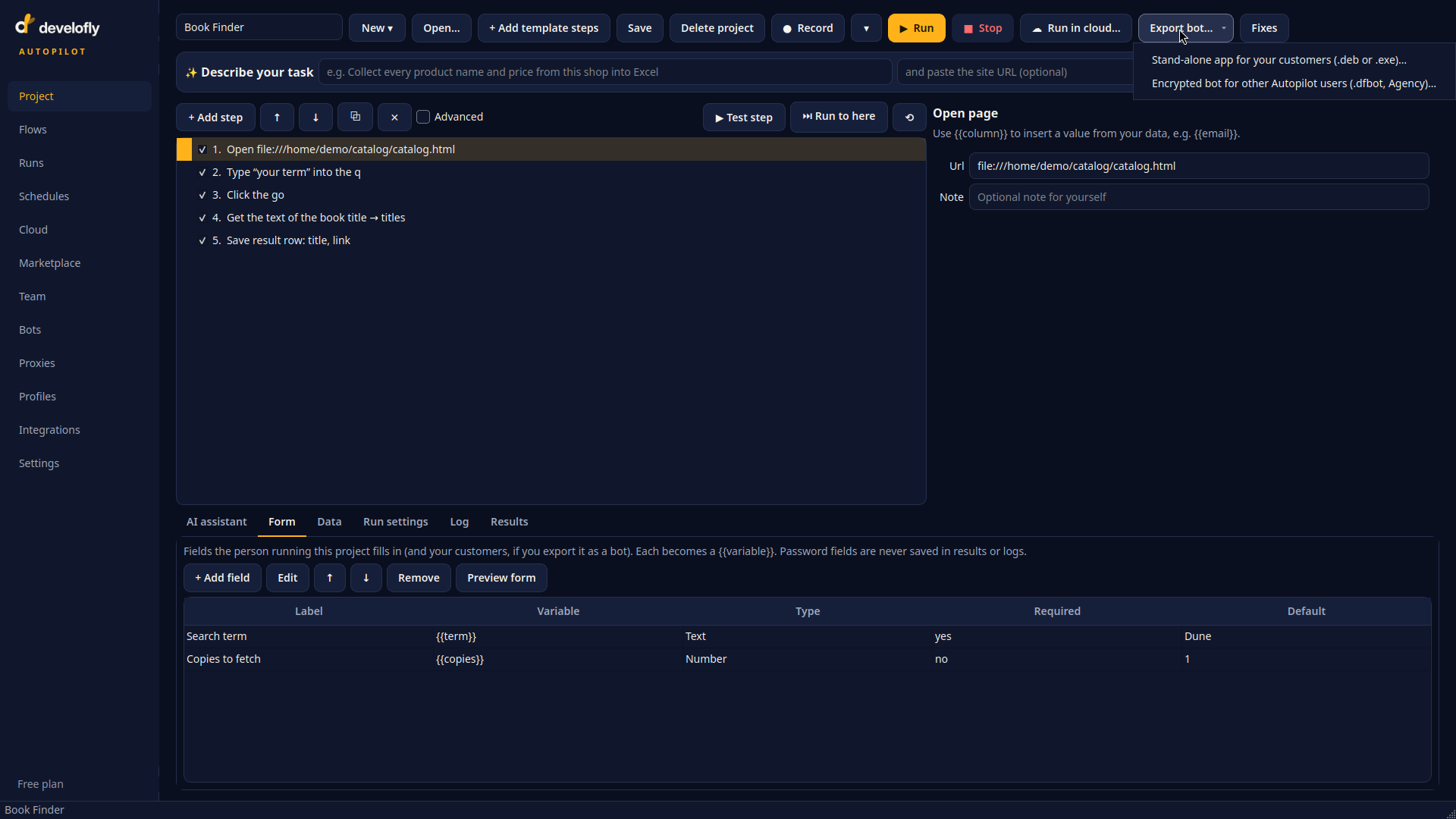
Export bot… on the Project page offers both kinds: a stand-alone app for your customers (.deb or .exe), or an encrypted bot for other Autopilot users (.dfbot, Agency). Behind it is the bot's form — the fields your customer will see.
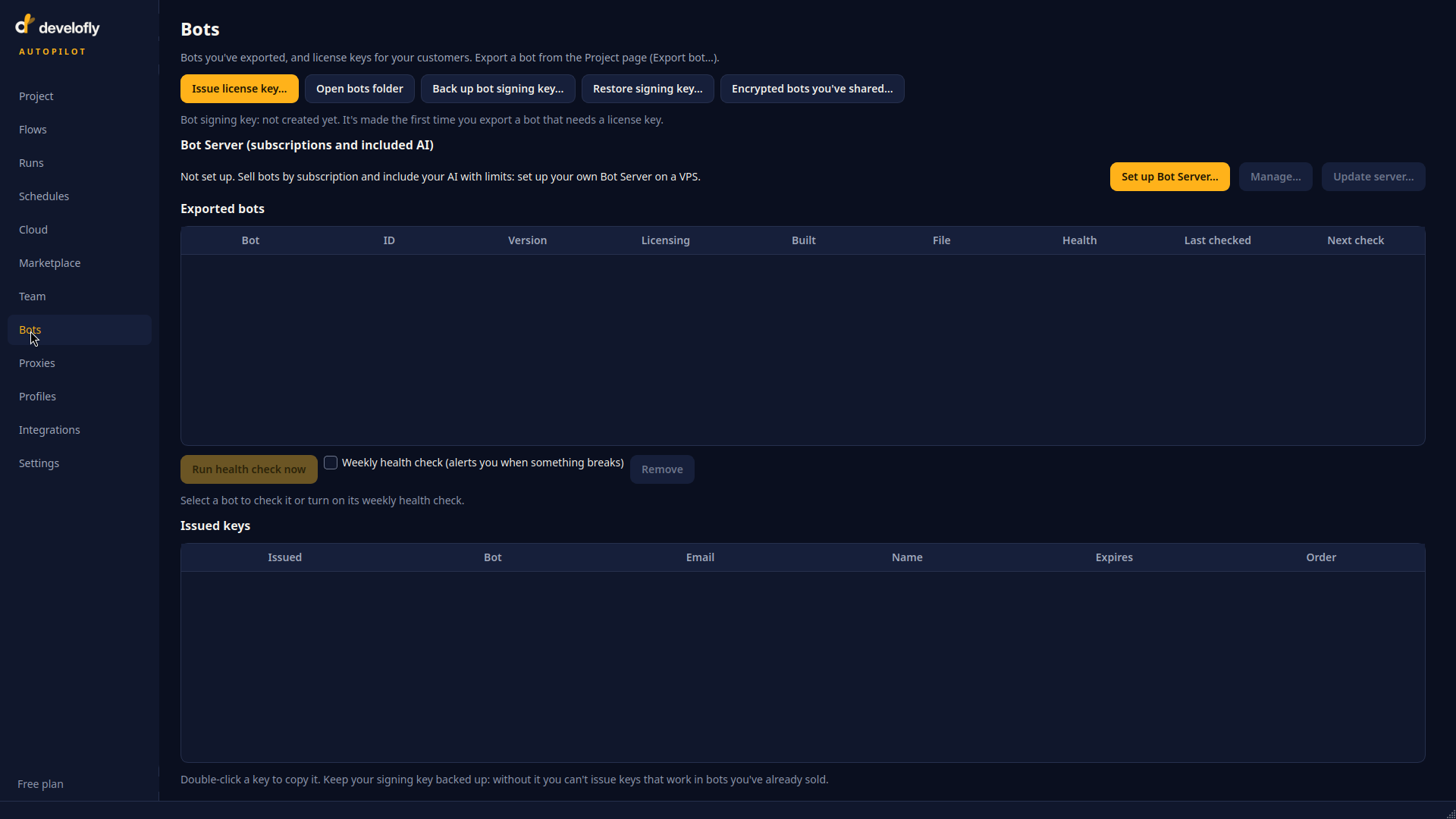
The Bots page is where exports live afterwards: every exported bot with its version, licensing and health checks, the keys you've issued, and your signing-key backup. Shown here before the first export.