 Develofly Autopilot
How a cloud run works
- Pick a bot in the app and send it to your Bot Server.
- The bot is encrypted before it leaves your computer — it travels and rests sealed.
- It runs on the server, the same steps it would run at home.
- When it finishes, the results sync back into the app and land in your Runs history, like a local run.
What you need
Cloud runs need a Pro or Agency subscription plus the Cloud hosting add-on. The add-on is currently granted manually — nothing is sold for it yet, so there are no prices to show and nothing to check out. Ask us and we will switch it on for your account.
Why run in the cloud at all
Your desktop can be off, asleep or busy — the run still happens. Cloud runs suit the bots you want working around the clock: monitors, collectors and scheduled jobs that should not depend on one machine being awake. The bot itself never becomes a file someone else can read: it leaves your computer encrypted, and only its results come back.
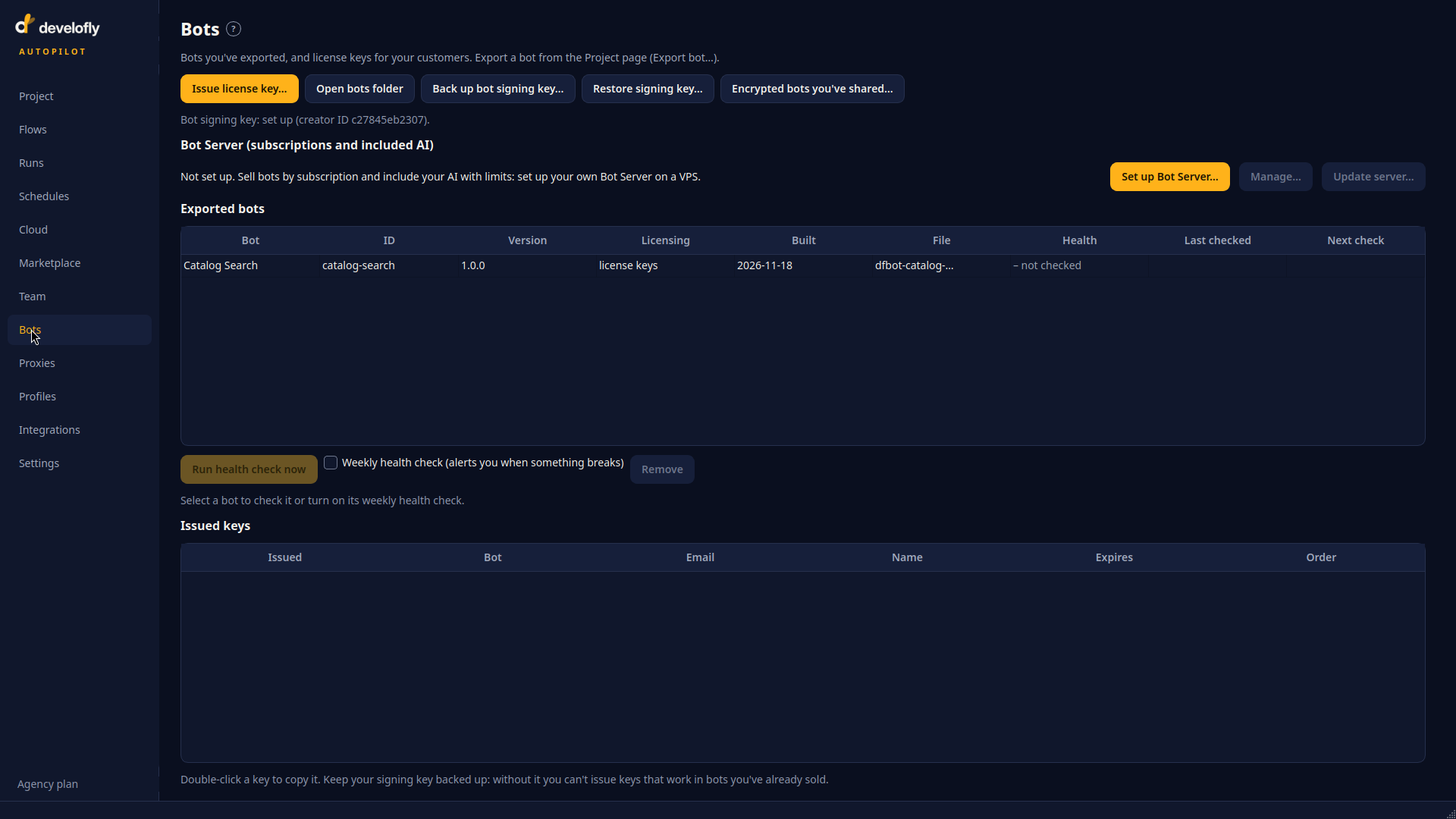
The Bots page: your Bot Server status, license keys and health checks.
Watch: change a bot that's already in the cloud
A cloud bot's steps live in its project on your computer. Edit the project and save it, then choose Update in cloud… on the Cloud page: the changed project is sent to that same cloud bot, so there is still exactly one copy of it. Run it, and the new results come back into the app.